AI image generator
AI Image Generator for Portraits, Product Visuals, Social Content, and Brand Ideas
Zorq AI helps you create AI images from text prompts, uploaded images, and simple creative ideas. Build portraits, product visuals, social media graphics, ad concepts, thumbnails, lifestyle scenes, and brand-ready image variations from one clean AI studio.
Use Zorq AI when you want faster visual creation without starting from a blank design file. Write a prompt, choose a style direction, generate your first image, and refine the result until it matches your creative goal.
Text-to-image · Image-to-image · Portraits · Product visuals · Social-ready creative assets

Prompt preview
Portraits, products, social visuals, and brand ideas
Click to preview this generated image in a larger view.
What it does
What Is the Zorq AI Image Generator?
The Zorq AI Image Generator is a creative tool for turning text prompts, reference images, and visual ideas into AI-generated images. It is built for creators, marketers, businesses, agencies, social media managers, YouTubers, ecommerce sellers, educators, and AI users who need strong visuals faster.
You can use it as an AI image maker for social posts, product concepts, profile visuals, campaign ideas, thumbnails, ad mockups, brand moodboards, and visual experiments.
Product concept images
Social media graphics
Ad creative ideas
YouTube thumbnail concepts
Brand moodboard visuals
Lifestyle product scenes
Image variations and style tests
Creative assets for campaigns
Still images that can later become motion videos
Faster creative testing
Create AI Images Faster with Zorq AI
Visual creation can take time when you need ideas, references, designs, edits, and different style options. Zorq AI helps speed up that process by giving you a faster way to test image directions before spending time on manual editing or production.
Built for fast visual testing
Use Zorq AI to compare different image ideas quickly. Try a clean product version, a cinematic lifestyle version, a bold social media version, or a more polished brand style before choosing the strongest direction.
Useful for real creative workflows
Zorq AI is not only for casual image generation. It supports practical content needs like product promotion, social media content, campaign visuals, creator branding, thumbnails, and early-stage design planning.
Features
Key Features of the Zorq AI Image Generator
AI Image Generator from Text
Write a prompt and turn it into an image. This is useful when you have an idea in your head but no photo, design, or visual reference yet.
Best for
Brand concepts, social graphics, product scenes, thumbnail ideas, campaign visuals, and creative experiments.
Try this workflowAI Image Generator from Image
Use an uploaded image as a starting point for new variations, visual direction, styling, or creative improvement. This is helpful when you already have a product image, portrait, reference photo, or concept that needs a stronger look.
Best for
Product image variations, portrait styling, character concepts, image edits, visual refreshes, and campaign design ideas.
Try this workflowAI Portrait Generator
Create polished portrait concepts for profile visuals, creator identity, avatar-style branding, social content, and professional-looking visual ideas.
Best for
Creators, influencers, coaches, personal brands, AI avatar concepts, and profile image testing.
Try this workflowProduct Image Concepts
Create product-style visuals for ecommerce, ads, landing pages, pitch decks, and social campaigns. Zorq AI can help you test product image directions before investing in a full shoot.
Best for
Ecommerce sellers, small businesses, agencies, product marketers, and startup teams.
Try this workflowSocial Media Visuals
Generate visual ideas for TikTok, Instagram, YouTube, Pinterest, X, Facebook, and short-form content campaigns. The goal is to help you create images that support faster publishing and stronger visual hooks.
Best for
Social posts, thumbnails, cover images, story visuals, campaign previews, and creator content planning.
Try this workflowCreative Style Variations
Test different looks from the same idea. Try a studio style, cinematic style, bright ecommerce style, editorial style, minimal product style, or bold creator style.
Best for
Creative teams that need to compare directions before choosing a final visual path.
Try this workflowImage-to-Video Ready Workflow
AI images can become the starting point for motion. After generating a strong still image, you can use Zorq AI’s video and motion tools to turn the idea into a short AI video.
Best for
Product teasers, animated portraits, social videos, motion ads, and campaign previews.
Try this workflow
Image examples
Preview AI portraits, product visuals, social graphics, and brand concepts.
Use the gallery wall to preview uploaded images in a premium Zorq AI-style layout. Click any image to open it in a large responsive preview.
Portrait
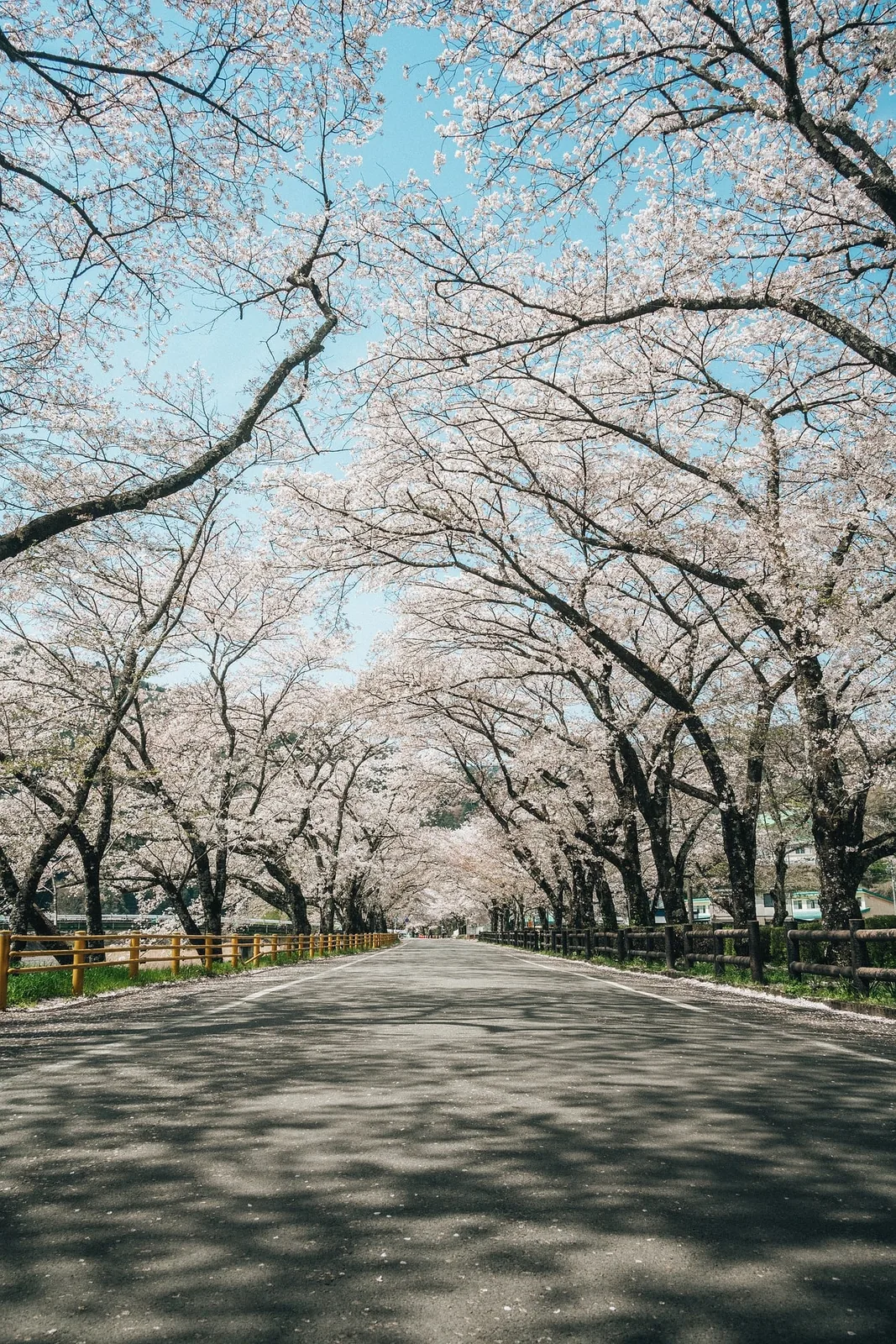
Cherry blossom style image
Product
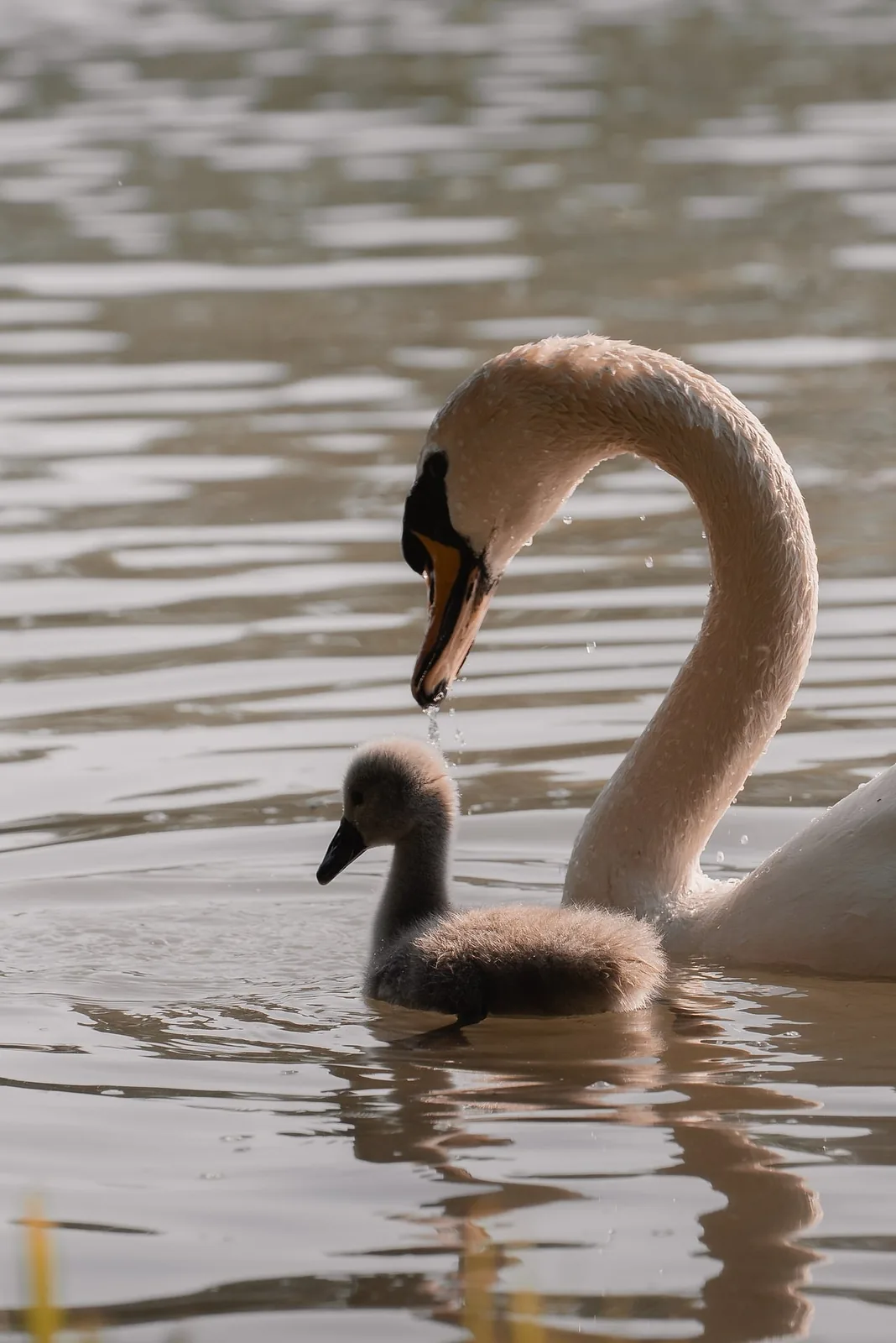
Swan close-up image
Social
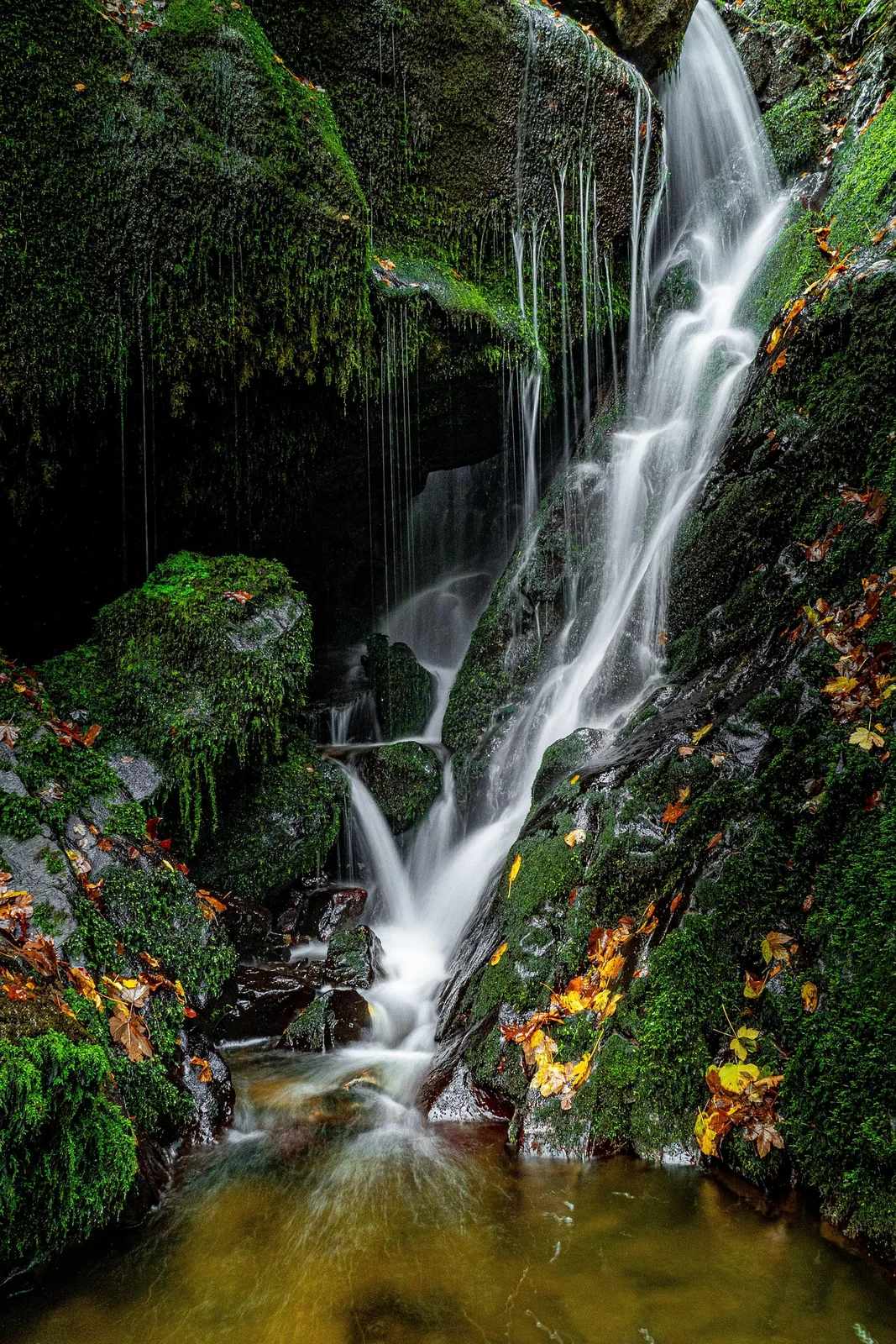
Waterfall landscape image
Cinematic
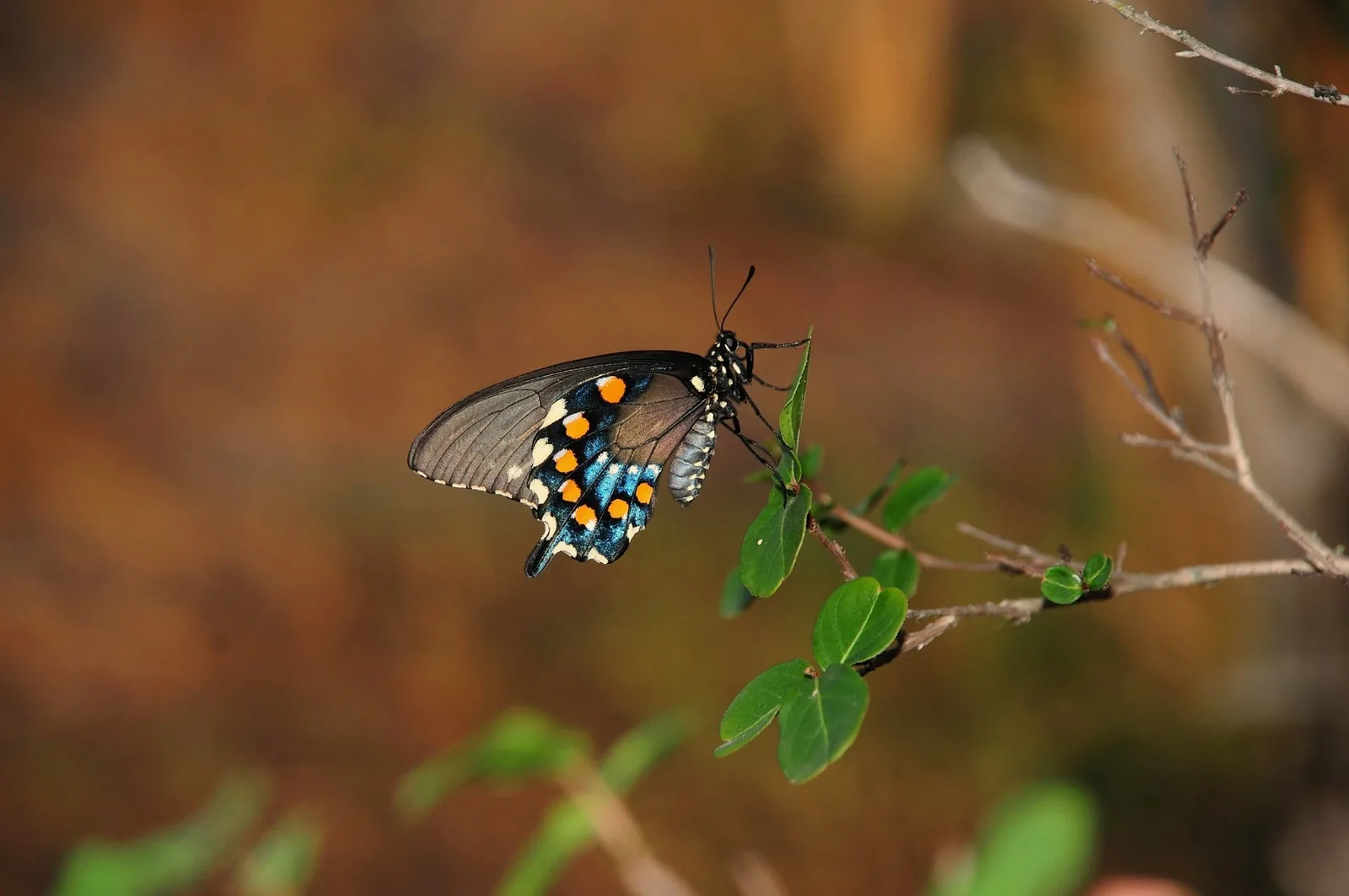
Butterfly macro visual
Brand
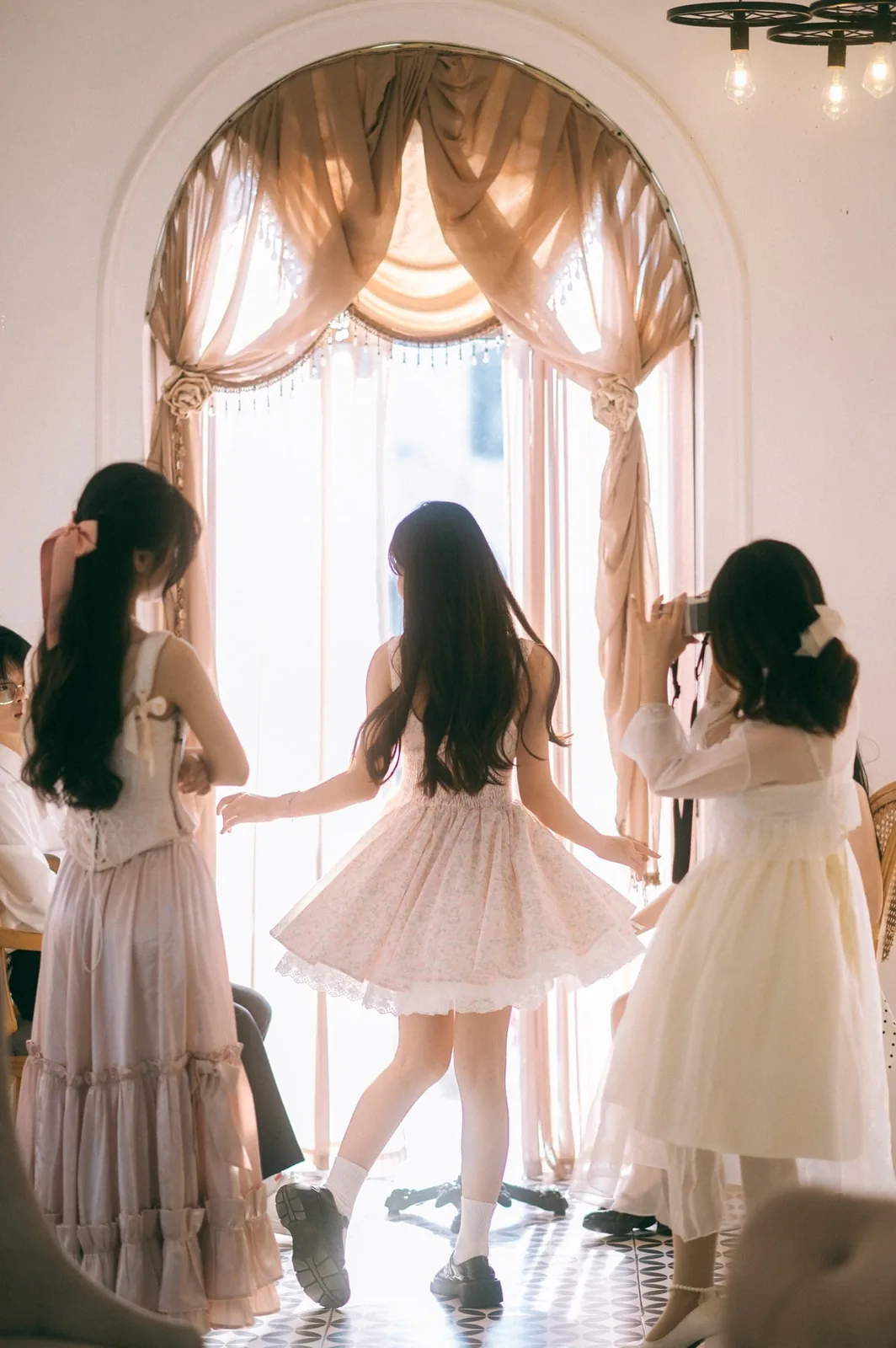
Lifestyle scene image

Portrait
Fox character concept
Product
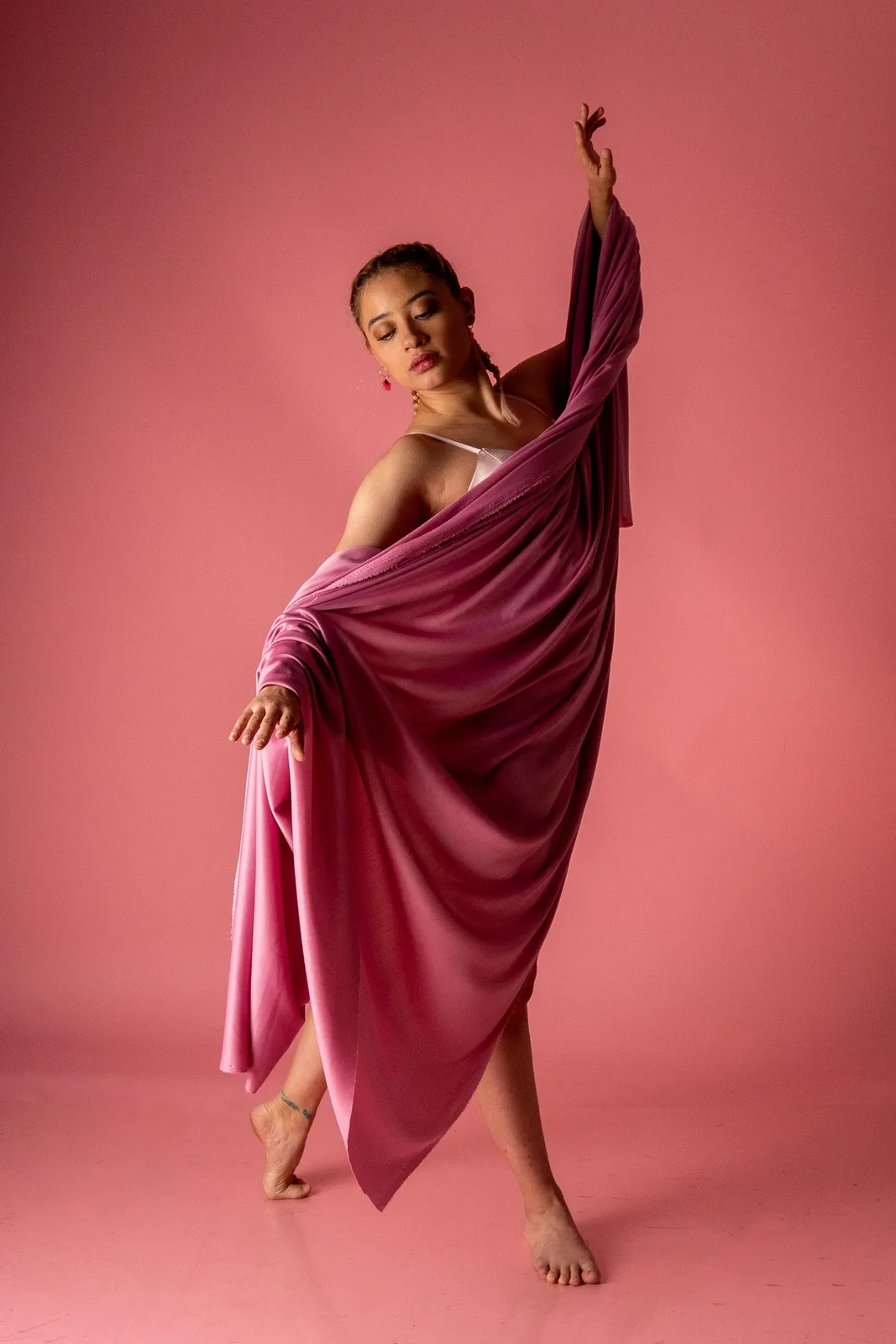
Ballerina portrait scene
Social
Creative portrait image

Cinematic
Family lifestyle visual

Brand
Spring nature concept

Portrait
Spring nature variation
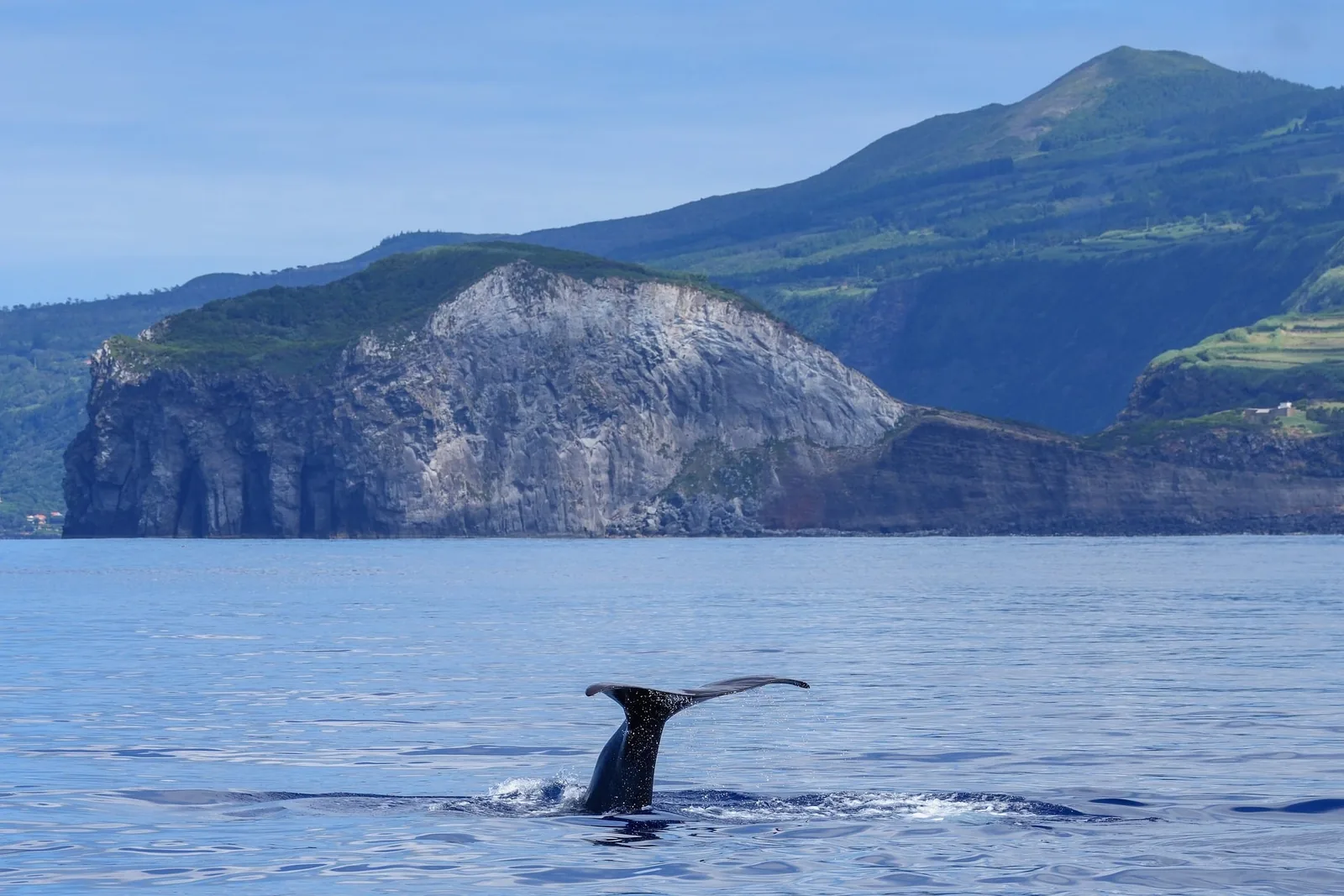
Product
Whale cinematic scene

Social
Blue abstract image
Cinematic
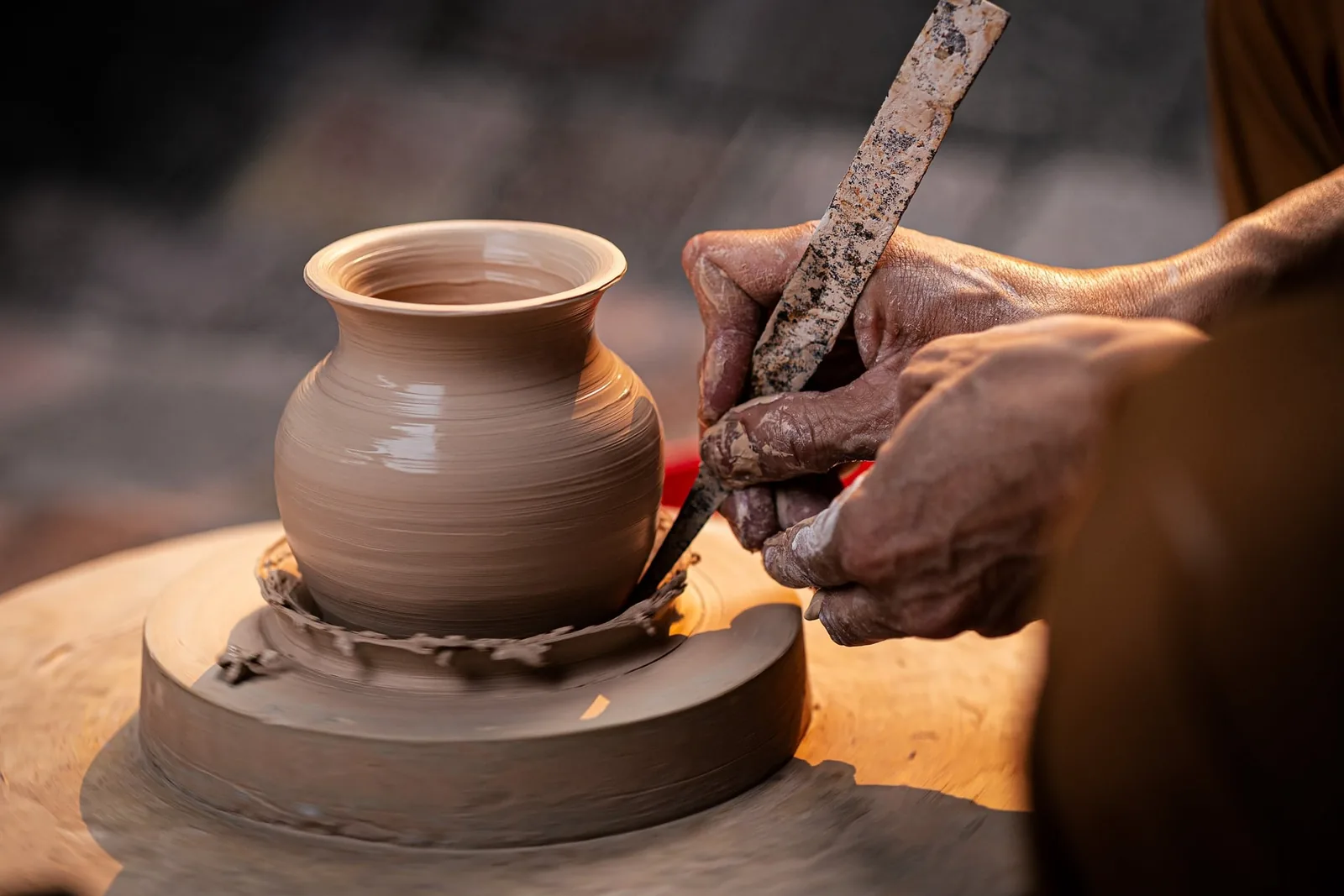
Pottery product visual
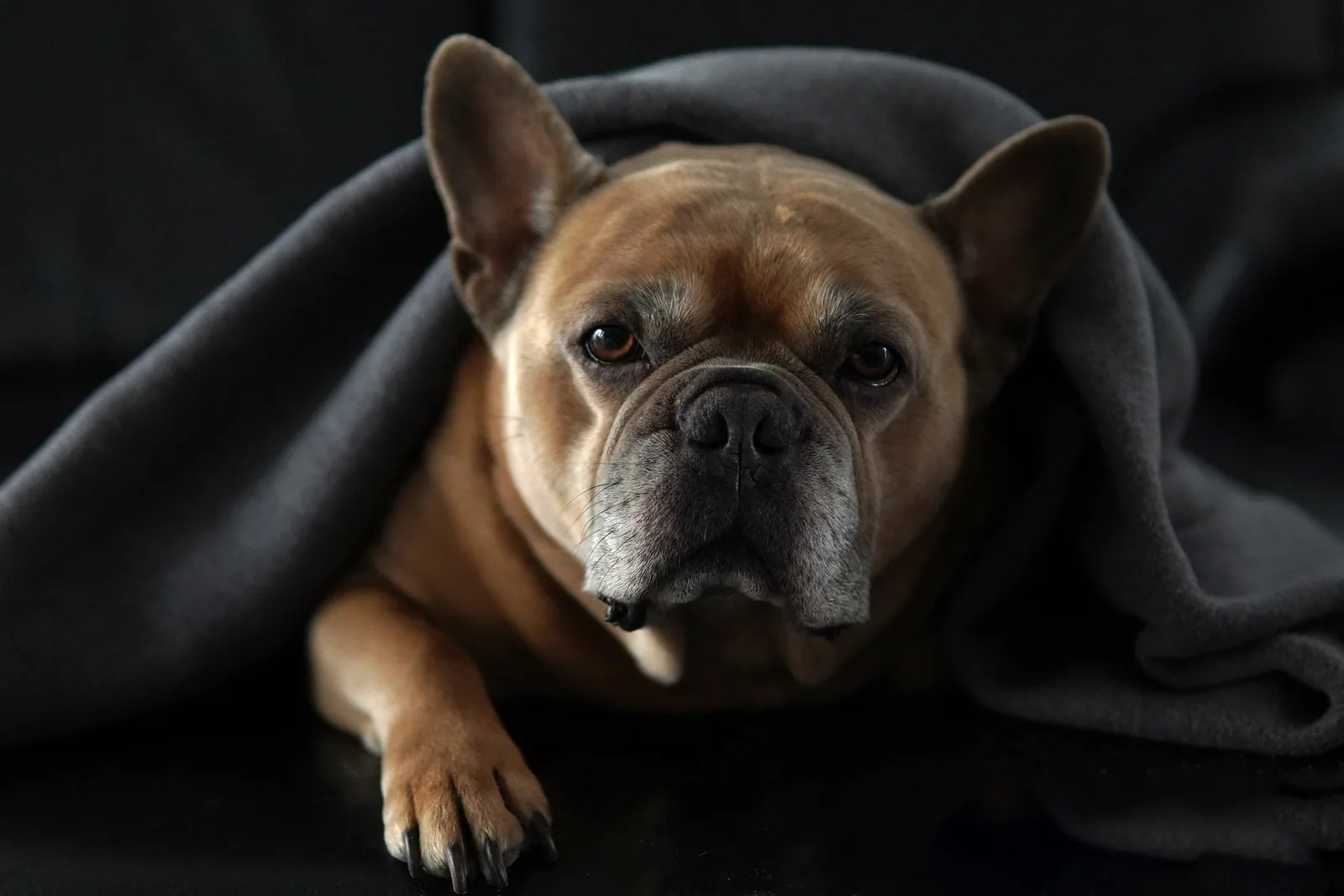
Brand
Bulldog social character
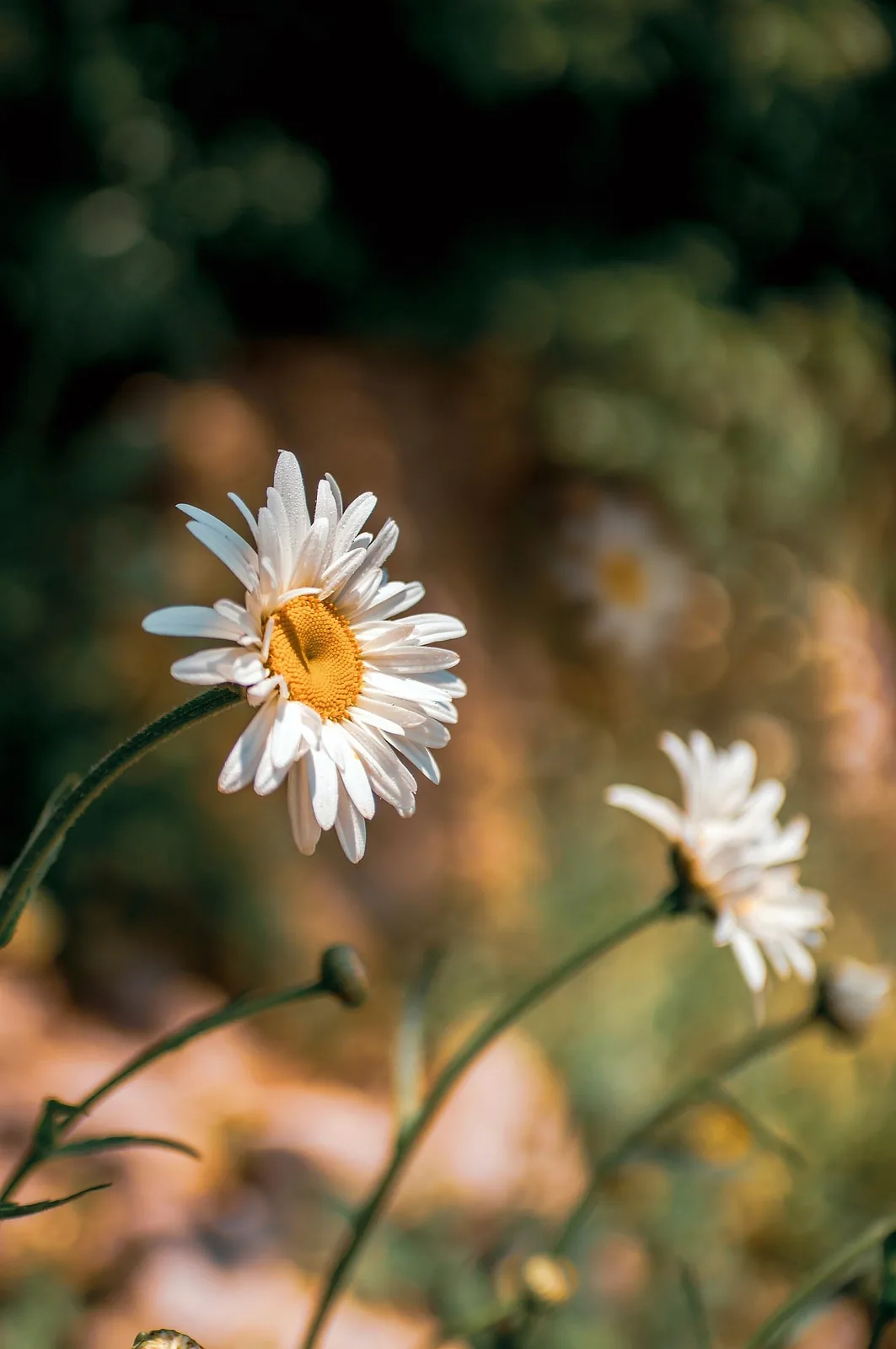
Portrait
Chamomile soft mood image
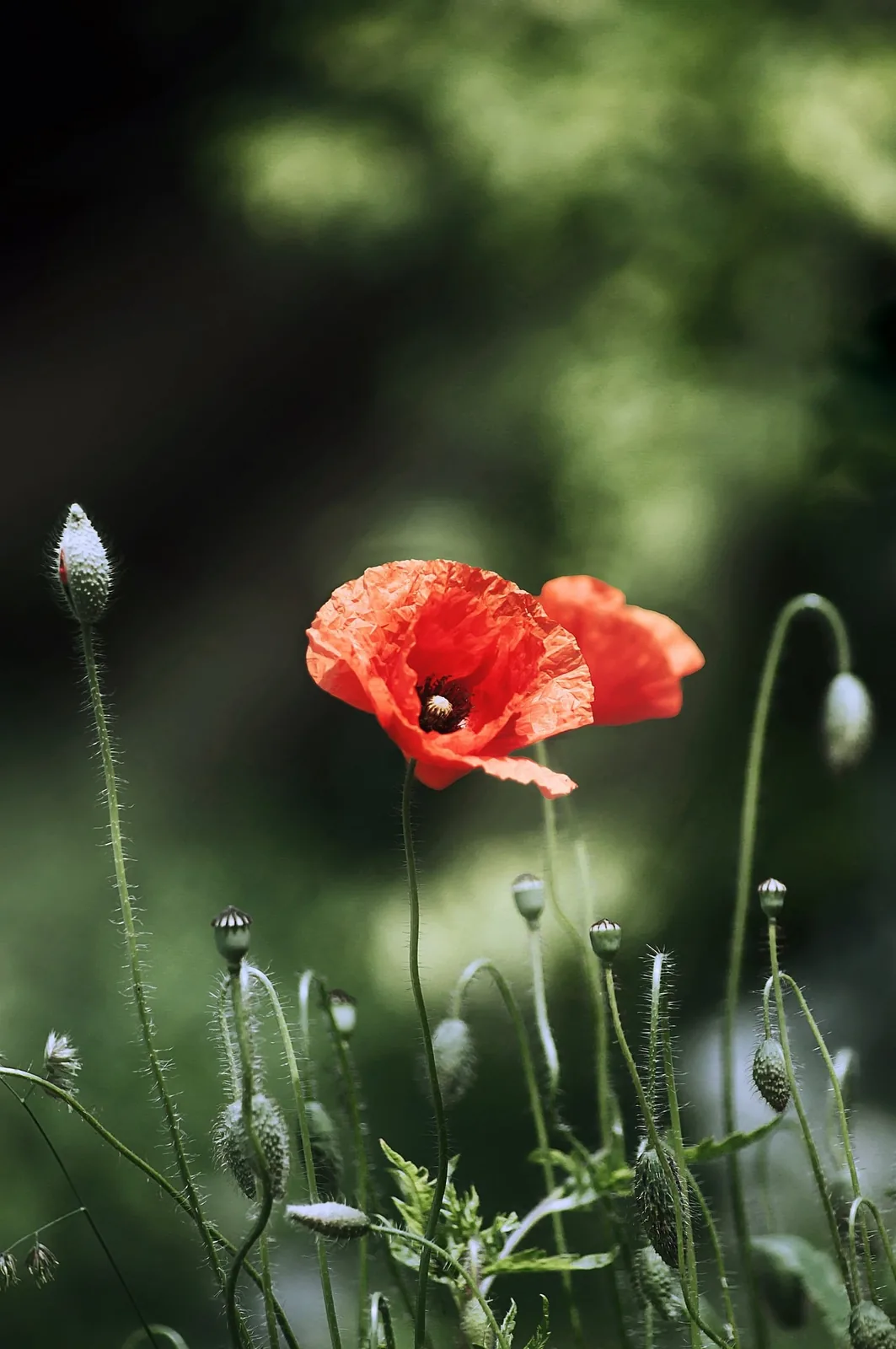
Product
Flower brand moodboard

Social
Frog character image
Cinematic
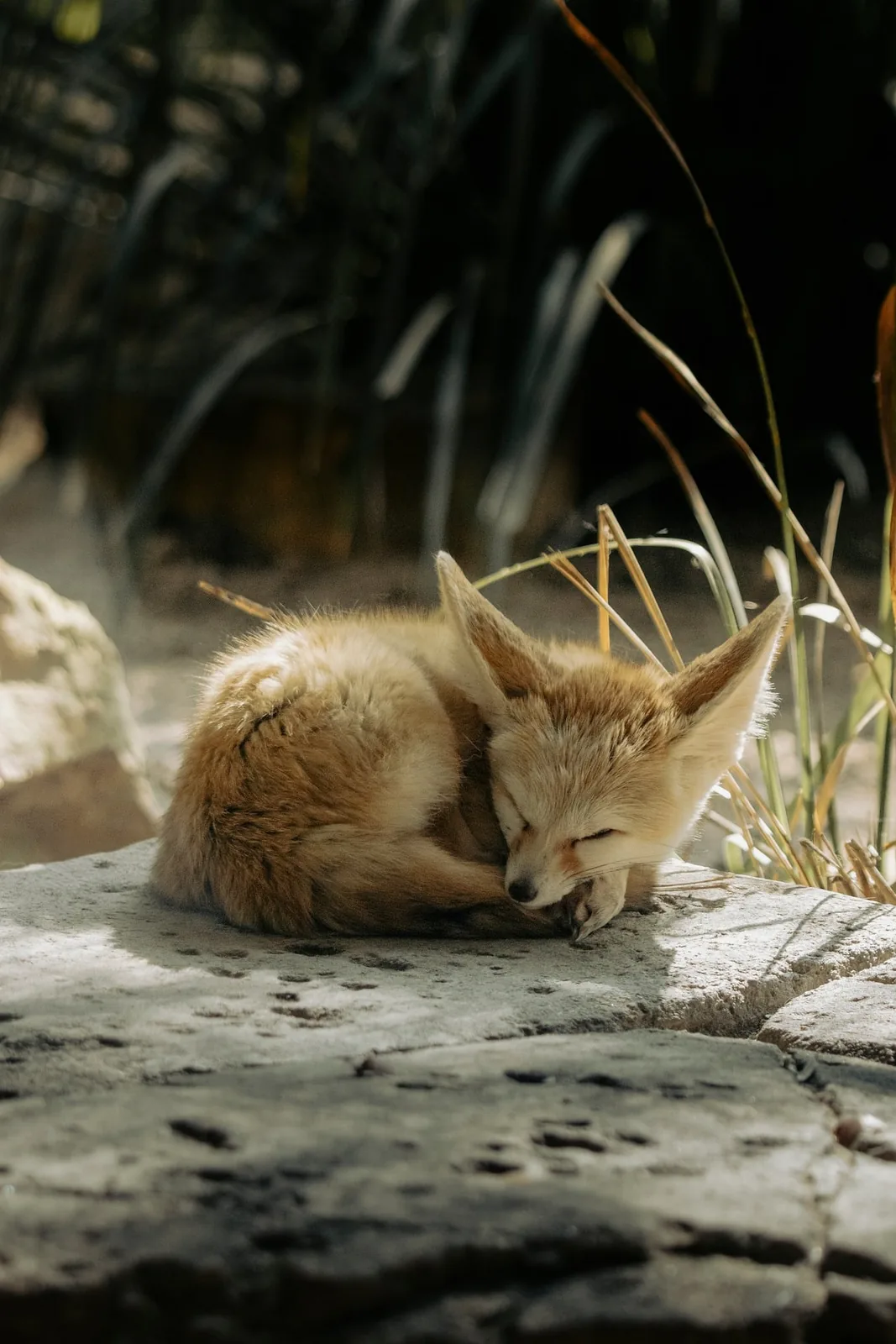
Fennec fox portrait
Brand
Cinematic landscape image
Portrait
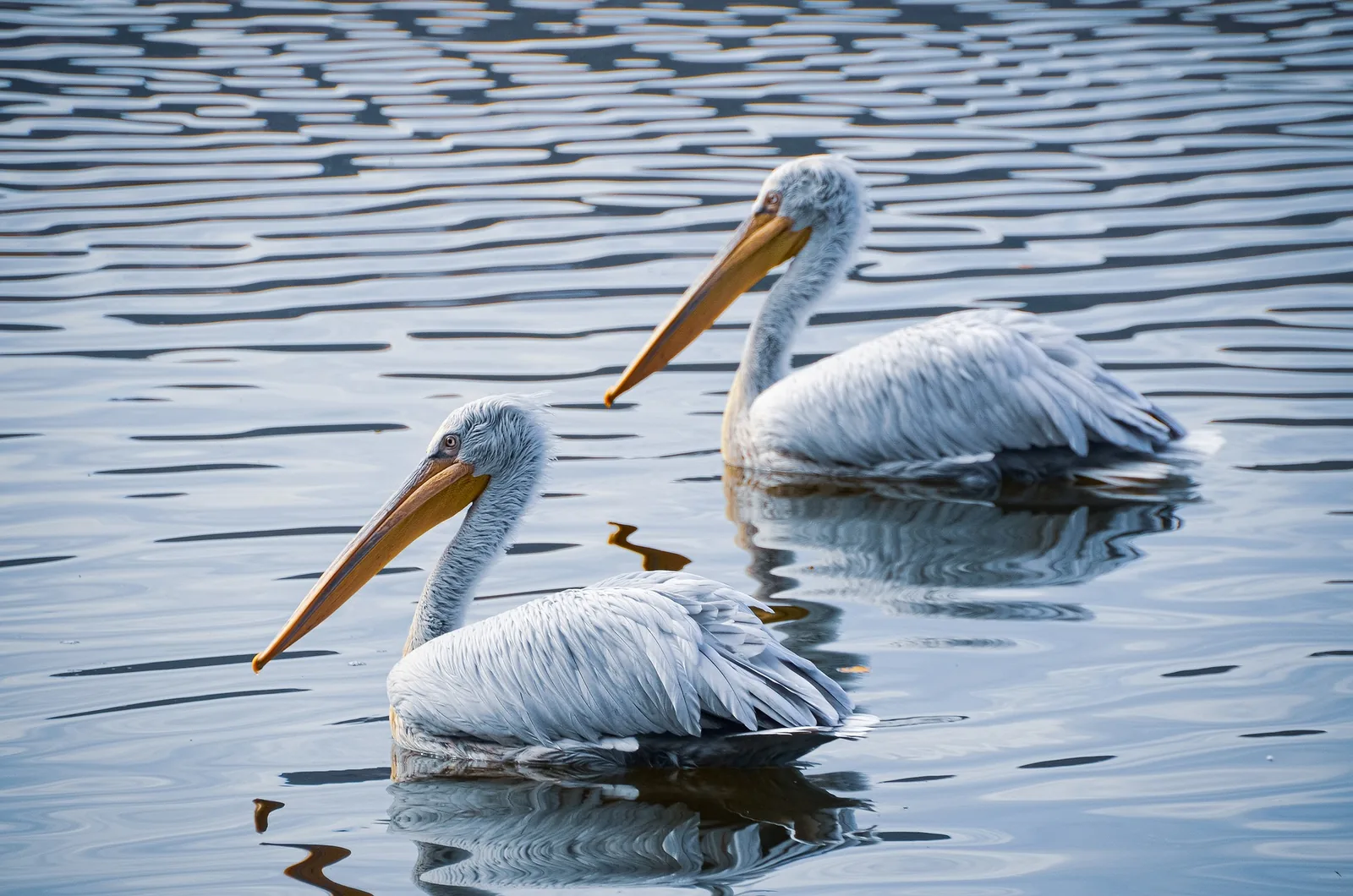
Pelican creative visual

Product
Kitten profile visual
Social
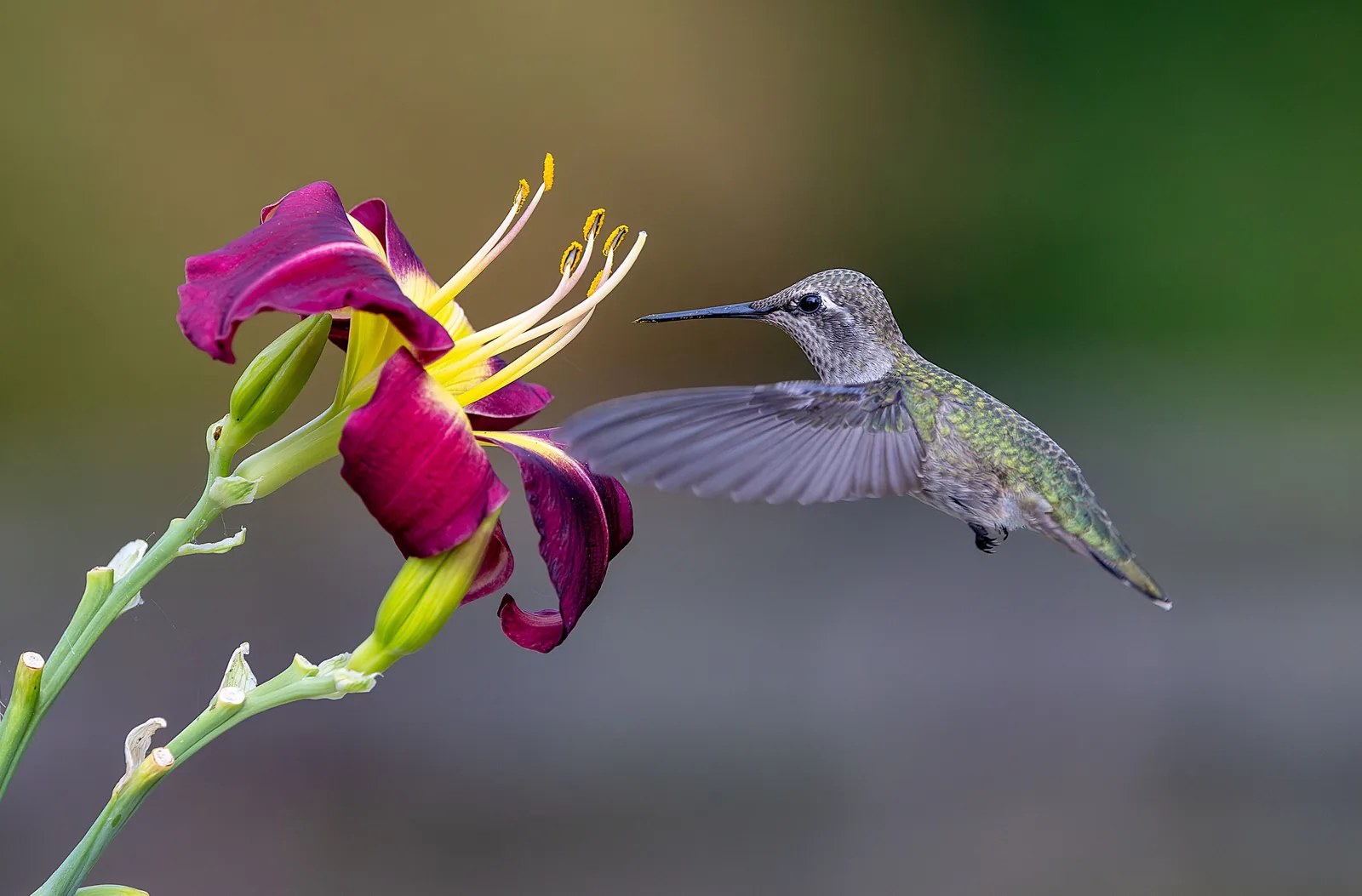
Hummingbird macro image
Creative workflows
Zorq AI Image Tools and Creative Workflows
The AI image generator page helps users choose the right creative workflow before they start. Some users want a new image from text. Others want to improve an existing image, create a portrait, prepare product visuals, or build image concepts for video generation.
Text-to-Image Workflow
Use this workflow when you want to create an original image from a written idea. Describe the subject, setting, mood, style, lighting, color direction, and final use.
Best use case
Creating new concepts from scratch for ads, thumbnails, social posts, product visuals, and creative campaigns.
Main benefit
It helps you move from idea to visual direction quickly without needing an existing image.
Image-to-Image Workflow
Use this workflow when you already have an image and want to explore new versions, edits, styles, or campaign directions.
Best use case
Refreshing product photos, improving portrait concepts, testing design styles, and creating image variations.
Main benefit
It gives you a faster way to improve or reimagine an existing visual.
Portrait Workflow
Use this workflow when you want profile-ready portraits, creator identity visuals, AI avatar concepts, or character-based image ideas.
Best use case
Profile images, influencer-style concepts, AI avatar ideas, and personal brand visuals.
Main benefit
It helps users create polished identity-focused visuals for social and brand use.
Product Visual Workflow
Use this workflow when you want to show a product in a better setting, test lifestyle visuals, or create ad-ready product concepts.
Best use case
Ecommerce product visuals, product ad ideas, landing page images, and brand campaign mockups.
Main benefit
It helps businesses test product presentation before committing to production.
Social Content Workflow
Use this workflow when you need fast visuals for posts, covers, reels thumbnails, creator announcements, or platform-specific content planning.
Best use case
Instagram posts, YouTube thumbnails, TikTok visual hooks, Pinterest pins, and campaign creatives.
Main benefit
It helps creators and social teams produce more visual ideas with less friction.
Workflow
How to Use the Zorq AI Image Generator
Choose your image goal, write a clear prompt, add a reference image if you have one, generate the first version, refine the result, and use the final image in your content workflow.
Example prompt direction
A premium skincare bottle on a soft beige studio background, natural shadows, clean product photography style, warm lighting, minimal luxury branding mood.
Step 1: Choose your image goal
Start by deciding what you want to create. Choose a portrait, product visual, social media image, ad concept, thumbnail, brand moodboard, or image variation.
Step 2: Write a clear prompt
Describe the subject, setting, visual style, lighting, color mood, camera angle, and final use. A clear prompt gives the AI better direction.
Step 3: Add an image if you have one
If you already have a product photo, portrait, character, or design idea, upload it as a starting point. This can help the tool create variations that stay closer to your visual direction.
Step 4: Generate your first image
Create the first version and review it. Look at composition, subject clarity, color, lighting, realism, and whether the image fits your goal.
Step 5: Refine the result
Improve the prompt, adjust the style direction, try another variation, or upload a better reference image. Strong AI image results often come from small refinements.
Step 6: Use the final image in your workflow
Use the image for content planning, social media, thumbnails, product concepts, ad ideas, moodboards, landing page visuals, or as a starting point for AI video generation.
Best use cases
Best Use Cases for Zorq AI Image Generator
Social media images
Create visual concepts for Instagram, TikTok, YouTube Shorts, Pinterest, Facebook, and creator campaigns. Zorq AI can help you test visual hooks before posting.
Product visuals
Create product scenes, lifestyle mockups, ecommerce images, and campaign concepts. This is useful for small businesses that need more visual ideas without a full photo production process.
YouTube thumbnails
Generate thumbnail concepts, background visuals, face-style concepts, bold scenes, and visual directions that can help a video idea feel more clickable.
Ad creative ideas
Create image concepts for paid social, product promotions, UGC-style campaigns, and brand testing. Marketers can use AI image generation to compare creative angles faster.
AI portraits and avatar concepts
Create portrait-style visuals for personal branding, creator identity, digital personas, and profile image testing.
Brand moodboards
Generate visual directions for colors, environments, product style, audience mood, and campaign planning.
Education and presentation visuals
Create simple visual examples for lessons, slides, explainers, training content, and concept presentations.
Image ideas for AI video
Generate a strong still image first, then use it as a starting point for image-to-video, motion video, or cinematic video creation.
Best fit
Who Is This Tool Best For?
Creators and influencers
Use Zorq AI to create profile visuals, social post ideas, thumbnails, avatar concepts, and campaign imagery.
Marketers and social media managers
Create visual hooks, campaign concepts, ad images, and image variations for different audiences or platforms.
Small businesses and ecommerce sellers
Generate product visuals, lifestyle concepts, promotional images, and website graphics without needing a full production setup for every idea.
YouTubers and content creators
Create thumbnail ideas, background visuals, channel graphics, and image concepts that support video planning.
Agencies and creative teams
Use AI image generation to test client campaign ideas, visual styles, and product directions before final production.
Educators and trainers
Create supporting visuals for lessons, explainers, training slides, and visual learning materials.
AI tool users
Explore prompt styles, test image workflows, create variations, and connect still images with video generation tools.
Why Zorq AI
Why Choose Zorq AI for AI Image Creation?
More than a simple image tool
Zorq AI is part of a wider AI creative studio. You can create images, then move into video, motion, lipsync, or other creative workflows when your project needs more than a still visual.
Useful for creators and businesses
The tool is built around real output needs: portraits, product visuals, campaign concepts, thumbnails, social graphics, and visual testing.
Simple starting workflow
You can start with text, an image, or a creative goal. This makes the page useful for beginners while still supporting more specific creative direction.
Better visual planning
Zorq AI helps you compare multiple styles before choosing one direction. This is useful for ads, social media, product pages, and brand campaigns.
Works with image-to-video ideas
A strong image can become the foundation for a motion video. Zorq AI’s wider creative ecosystem makes this connection easier for users who want both images and videos.
Decision guide
AI Image Generator Decision Guide
Use this quick guide to choose the right image workflow before generating.
| User goal | Best workflow | Suggested direction |
|---|---|---|
| Create a new image from an idea | AI image generator from text | Write a detailed prompt with subject, style, lighting, and use case |
| Edit or restyle an existing image | AI image generator from image | Upload a clear reference image and describe the desired change |
| Create a profile or avatar concept | AI portrait workflow | Focus on face style, background, mood, and brand personality |
| Create ecommerce product visuals | Product visual workflow | Describe product setting, surface, lighting, and buyer mood |
| Create social media graphics | Social content workflow | Match image style to platform, audience, and post format |
| Create an image for video generation | Image-to-video ready workflow | Generate a clear subject with strong composition and motion potential |
Comparison support
Zorq AI vs Other AI Image Generator Searches
Many users search for terms like AI image generator free, AI image generator free online, AI Image generator Bing, AI image generator Google, or best AI image generator because they are comparing options before choosing a tool.
Zorq AI should focus on users who want a wider creative workflow, not only a single still image.
When Zorq AI may be a better fit
- You want images and videos in one creative workflow.
- You want to create product visuals, portraits, ads, and social content.
- You want to turn generated images into motion videos later.
- You want a platform built for creators, marketers, and brands.
- You want to test multiple creative directions before finalizing an idea.
When a basic free image generator may be enough
- You only need one simple image.
- You do not need image-to-video or motion tools.
- You are not planning social, product, or campaign workflows.
- You do not need a wider AI creative studio.
Better results
Tips to Get Better AI Image Results
Strong AI image outputs usually come from specific prompts, clear visual direction, useful references, and small refinements.
Use a specific subject
Instead of writing “make a product image,” describe the product, background, camera angle, lighting, color mood, and final use.
Add style direction
Use words like studio photography, cinematic lighting, clean ecommerce, editorial portrait, soft pastel, luxury minimal, vibrant social graphic, or realistic lifestyle scene.
Describe the final use
Tell the tool whether the image is for a YouTube thumbnail, product ad, Instagram post, website hero, pitch deck, or social campaign.
Use strong reference images
If you use image-to-image, upload a clear image with good lighting and a visible subject. Better source images usually give the workflow a stronger starting point.
Refine one detail at a time
If the result is close, change one or two prompt details instead of rewriting the entire prompt. This makes it easier to improve the output direction.
Think about future motion
If you plan to turn the image into a video later, create a clear subject, simple background, and strong composition. This can make image-to-video generation easier.
Trust and support
Trust and Support
Zorq AI should make the image generation process clear before users start. The page should explain what users can create, how image workflows work, how examples can be viewed, and how images can connect to wider video and motion tools.
Clear workflow guidance
Users should understand the difference between text-to-image, image-to-image, portrait generation, product visuals, and image-to-video ready images.
Real examples
Show real sample images so users can judge style, quality, and creative direction before generating.
Transparent pricing path
If Zorq AI uses credits, free credits, or paid plans, the page should link clearly to the pricing and credits pages instead of hiding cost details.
Helpful support links
Add links to pricing, credits, help center, commercial use, content safety, refund policy, privacy policy, and terms.
FAQ
Frequently Asked Questions
An AI image generator is a tool that creates images from text prompts, reference images, or creative instructions. Zorq AI helps users create portraits, product visuals, social content, image variations, and campaign-ready visual ideas.
Yes. The text-to-image workflow lets you describe the image you want and generate a visual from that prompt.
Yes. The image-to-image workflow can use an uploaded image as a starting point for style variations, visual edits, product concepts, portraits, or creative changes.
Zorq AI should clearly show its available free credits, trial options, or paid plans on the pricing page. If free access is available, explain the limits clearly so users understand what they can create before upgrading.
Zorq AI serves a similar broad user need—creating AI images—but it should be positioned as a wider creative studio because it also connects image generation with video, motion, and other creative workflows.
Yes. Ecommerce sellers, startups, marketers, and small businesses can use Zorq AI to create product concepts, lifestyle visuals, ad ideas, and website image directions.
Yes. You can use it to create thumbnail concepts, background visuals, character-style images, and creative directions for YouTube content.
Yes. A strong generated image can be used as a starting point for image-to-video or motion video workflows when those tools are available in the Zorq AI platform.
No. Better results usually come from prompt refinement, clearer style direction, stronger reference images, and testing multiple variations.
Zorq AI should provide clear commercial-use guidance on its pricing, terms, or commercial-use page. Users should review those details before using outputs in paid ads, client projects, or business campaigns.
Start creating
Start Creating AI Images with Zorq AI
Bring your visual ideas into one creative workflow. Generate portraits, product visuals, image edits, social content, brand concepts, and AI images that can support your next campaign, video, or creator project.
Create from text · Edit from images · Build portraits · Test product visuals · Prepare images for video