Keep the original visual direction
Start from an image you already like, instead of hoping a text-only generation matches your idea.
Turn your images into motion with Zorq AI. Use Image to Video AI to animate portraits, product photos, scenes, concept art, lifestyle shots, and character visuals into short video clips for social media, ads, explainers, and creator content.
Zorq AI helps creators, marketers, agencies, ecommerce sellers, educators, YouTubers, and AI tool users create videos starting from a still image. Begin with one strong image and use it as the visual base for movement, camera motion, storytelling, and short-form content.
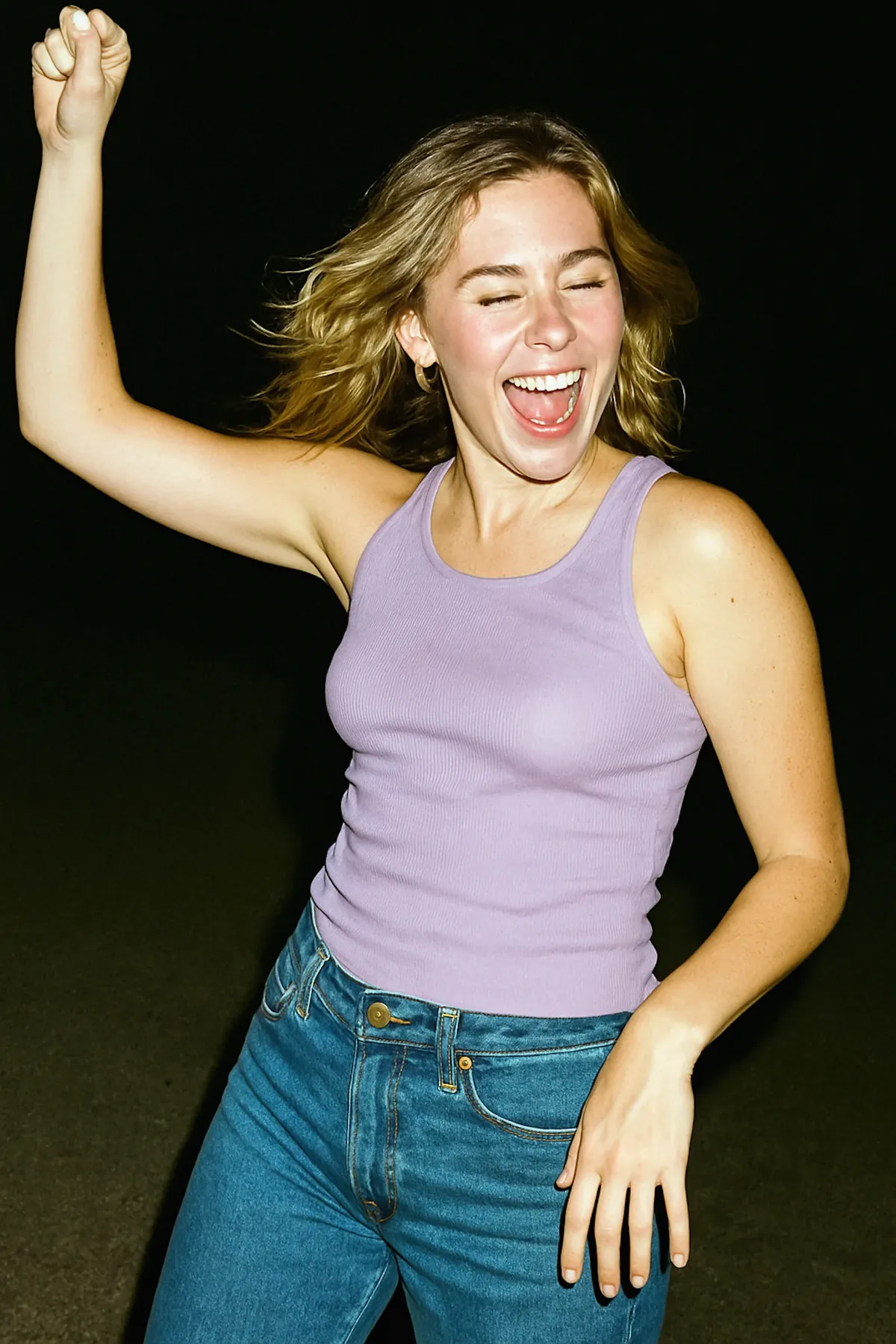
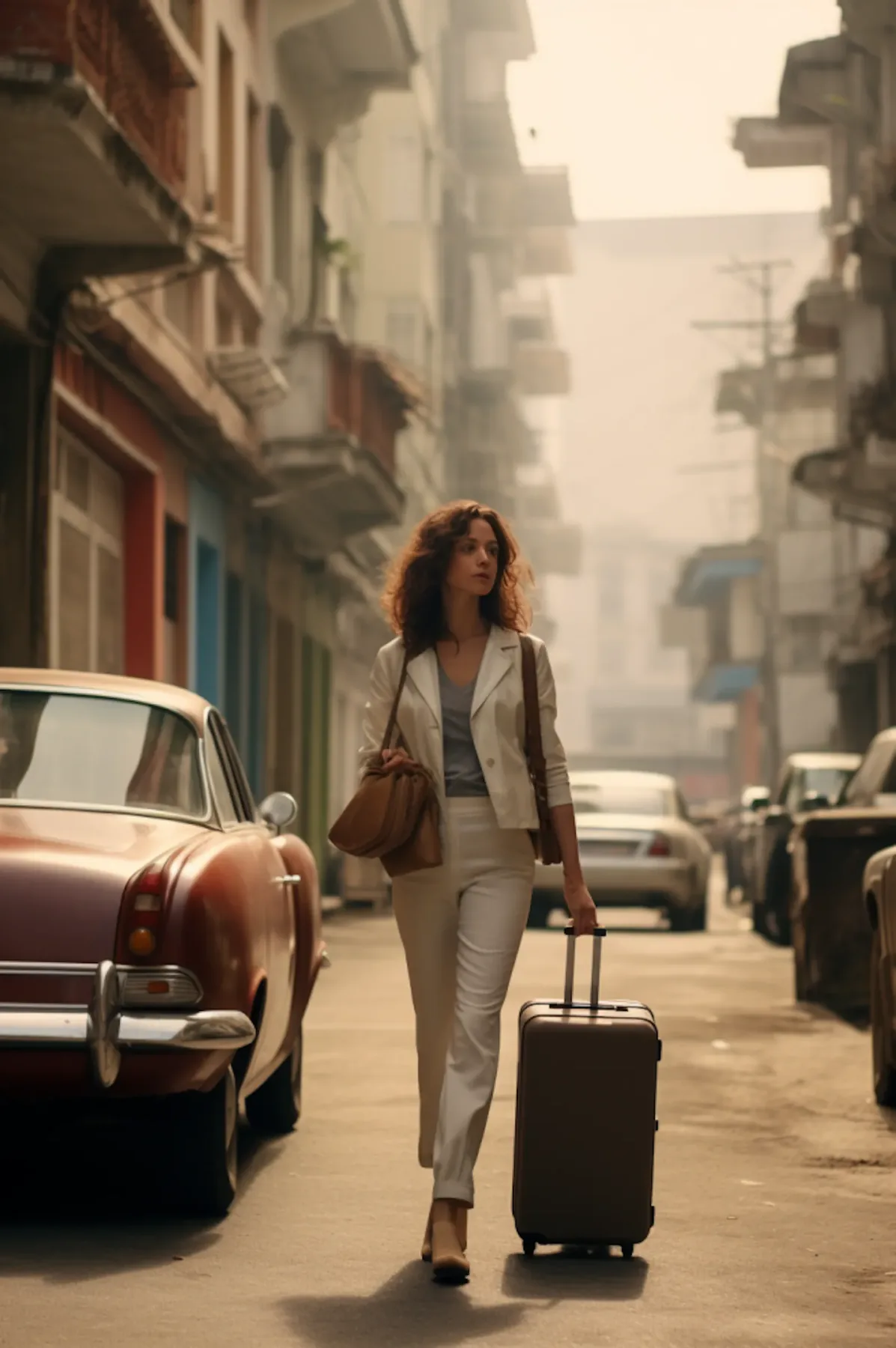
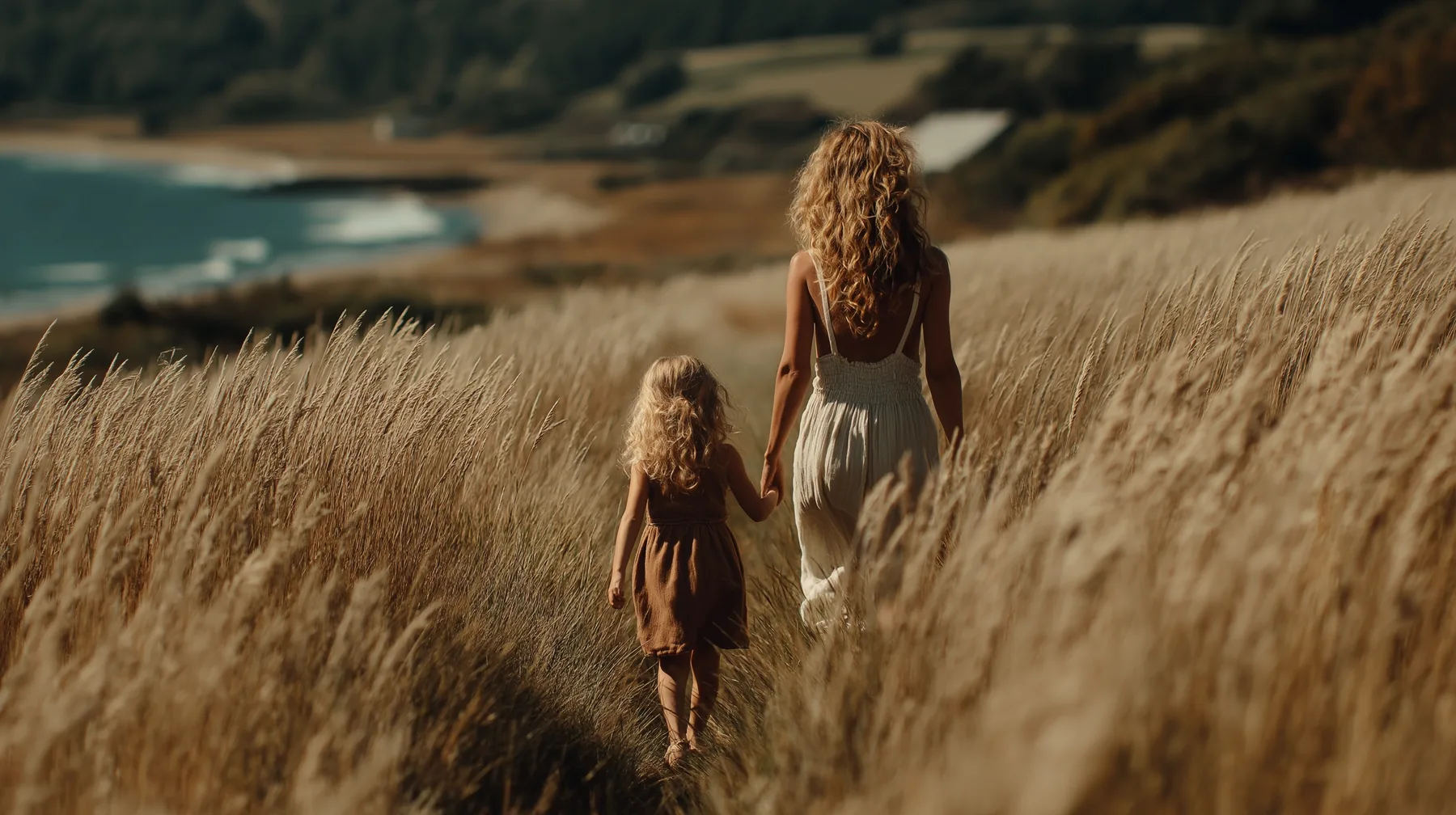
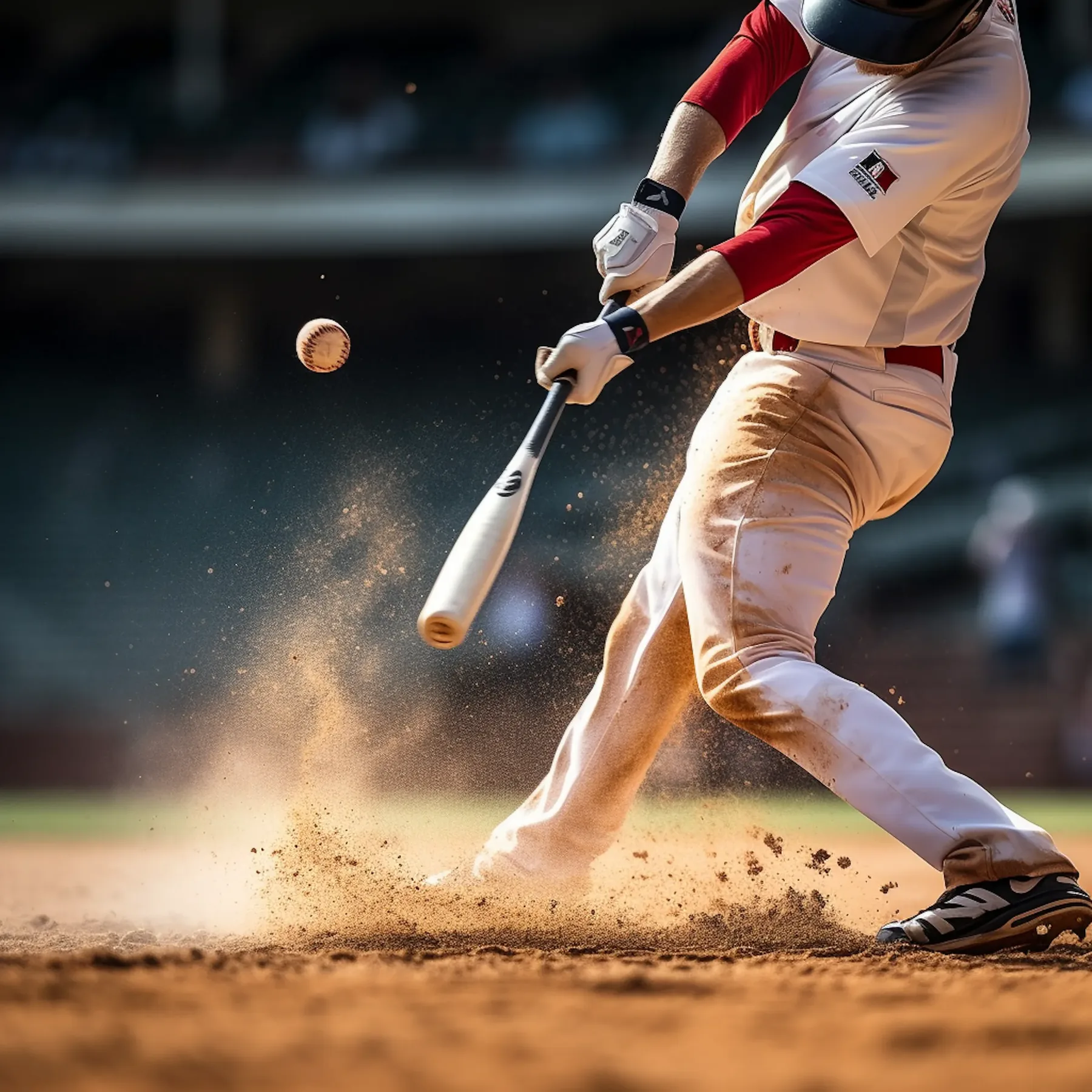
If you already have a strong image, you do not always need to start with text-to-video. In many cases, image to video AI is the better workflow because it helps preserve the visual direction of your source image while adding motion, scene energy, camera movement, or storytelling.
This is useful for product marketers, social media teams, AI creators, educators, and businesses that want fast, visual-first content.
Image to Video AI is a workflow that turns a still image into a video clip. The image becomes the visual anchor, and the model adds movement, timing, scene activity, camera behavior, or cinematic motion based on your prompt.
Use the demo wall to preview how still images can become motion clips, product promos, portrait videos, and cinematic visual concepts before starting your own Zorq AI workflow.
Image-to-video generation gives more value to visuals you already have. It helps teams create motion clips faster without starting every idea from a blank prompt.
Start from an image you already like, instead of hoping a text-only generation matches your idea.
Use one strong image to generate clips for ads, social content, product promotions, or storytelling concepts.
Turn still images into short videos for Reels, TikTok-style content, Shorts, and feed posts.
Animate product shots, lifestyle product scenes, packaging visuals, or launch creatives.
Turn portrait visuals, character scenes, or AI persona images into video content.
Create several short video variations from a small set of approved images.
Create videos using users’ uploaded images, then guide the motion with prompt direction, model choice, and creative workflow support.
Upload or choose an image and turn it into a short animated clip.
Uploaded images, source visuals, creative references, and product shots.
Add instructions for motion, camera movement, atmosphere, pacing, or scene behavior.
Camera push-ins, product reveals, cinematic motion, and subtle scene movement.
Use portrait or character visuals as the base for creator-style, avatar-style, or storytelling clips.
AI personas, profile visuals, social clips, and creator content.
Turn still product images into motion clips for ecommerce, ads, or launch content.
Product promos, landing page clips, ecommerce creative, and campaign previews.
Generate short videos that fit creator content, brand campaigns, and fast-moving social formats.
Reels, Shorts, TikTok-style videos, paid social, and feed content.
Move from image generation to image-to-video, then into motion control, lip sync, or supporting tools.
Creators and teams that need a complete creative path.
Each model can support a different image-to-video direction. Use faster models for drafts, cinematic models for polished clips, style-sensitive models for creative output, and stronger models for professional-looking results.

Advanced multimodal image-to-video direction for cinematic quality, controlled movement, and polished creative output.
Cinematic clips, product storytelling, premium creator videos.

A faster direction for draft generation, prompt testing, and quick creative checks before polishing.
Early drafts, rapid tests, social ideas, quick iterations.

A flexible video direction for image-led scenes, concept testing, and practical motion clips.
Scene animation, visual experiments, creative motion tests.

A balanced quality-focused option for image-to-video workflows that need smooth prompt following.
Quality drafts, product clips, creator visuals.

Useful for expressive movement and visually strong transitions from reference images.
Creator clips, ad tests, motion-led outputs.

A polished short-form video direction for visually impressive motion concepts from still visual input.
Story scenes, social concepts, cinematic drafts.

A stronger creative option for premium, refined image-to-video outputs and polished scene generation.
Campaign drafts, brand visuals, premium clips.

A strong direction for smooth motion, creative flexibility, and cinematic feeling from image-based scenes.
Image animation, product movement, character clips.

A premium-looking direction for sharper output and higher-end creative presentation.
Professional-style visuals, high-detail clips, campaign previews.

A practical model direction for creative concept development, scene experiments, and visual storytelling.
Fast creative exploration, concept scenes, idea testing.

A style-sensitive direction for users who care about mood, visual richness, and art-directed scene motion.
Stylized videos, mood-heavy visuals, artistic clips.

A premium creative direction for polished scene quality and advanced video generation workflows.
Cinematic concepts, brand storytelling, refined outputs.
Zorq AI connects image generation, image-to-video, motion control, lip sync, voice, and MultiGen workflows so one strong image can become a full creative asset.
Useful for creating the source image before animating it.
Explore AI Image Generator → VIDHelpful when users want to create video content from text or move beyond a single-image workflow.
Explore AI Video Generator → MOVUseful when more directed movement is needed after selecting a strong visual direction.
Explore AI Motion Control → LIPHelpful if a portrait or character image should become a talking clip.
Explore AI Lip Sync Generator → VOCUseful when voice is needed to support a portrait-driven or avatar-style image-to-video clip.
Explore Voice Cloning AI → MLTUseful when users want to create multiple source images or motion directions before choosing one.
Explore MultiGen AI Generator →Start with a strong image, define the motion goal, choose the right model, generate the first clip, and refine the best version for your campaign or content workflow.
Start with an image that already has a clear subject, clean framing, and usable visual quality.
Decide whether you want a subtle camera move, product reveal, portrait animation, or cinematic atmosphere.
Describe the type of motion you want, such as slow camera push-in, soft wind movement, or product rotation.
Pick a model that fits the goal. Use faster models for drafts and quality-focused models for polished clips.
Create the first version and review motion quality, subject consistency, prompt alignment, and scene clarity.
Adjust the prompt, source image, or model choice, then use the output for social content, ads, or storytelling.
A clean product image on a soft studio background, slow camera push-in, subtle light movement, smooth premium product ad style, short vertical social video format.
Use image-to-video generation for product clips, social posts, AI personas, educational visuals, campaign drafts, and storytelling scenes.
Turn product photos into short motion ads or launch teasers.
Create Reels, Shorts, and TikTok-style clips from static visuals.
Turn portraits into motion clips for creator branding, AI personas, or storytelling.
Animate product listings, product scenes, and promotional stills.
Bring illustrations, scene art, or design concepts to life.
Turn diagrams, scenes, or visuals into short learning clips.
Create multiple video directions from a few approved source images.
Use a still scene as the foundation for a cinematic or emotional short clip.
Image-to-video generation is useful for creators and teams that already have strong visuals and want to turn them into short clips without a full production setup.
Use still visuals to build creator content, intro clips, thumbnails in motion, or short scene videos.
Create fast-moving content from campaign images, product shots, and social assets.
Turn product images into promo clips without planning a full video shoot.
Test several visual directions from a small set of brand-approved assets.
Create simple animated visuals from educational images or concept illustrations.
Use portraits, personas, or creative visuals as the base for image-led video output.
Zorq AI fits a broader creation workflow. Users can start with AI images, animate them into videos, add motion control, connect lip sync, or support voice-led clips when needed.
This makes the workflow useful for product and creator use cases, not only technical experiments. “Using your images, Zorq AI generates videos” is simple to understand and easy to act on.
| User goal | Best workflow | Suggested direction |
|---|---|---|
| Product promo | Image to Video AI + product prompt | Use a clean product image, controlled lighting, and a simple reveal motion. |
| Portrait animation | Image to Video AI + portrait workflow | Use a clear face or avatar image with subtle movement and natural camera flow. |
| Fast social draft | Seedance 2.0 Fast or quick model direction | Generate drafts quickly, then refine the best clip with a stronger model. |
| Cinematic scene | Sora, Veo, Kling, or Seedance direction | Add camera movement, scene mood, atmosphere, and visual pacing. |
| AI persona clip | Image to Video + Lip Sync or Motion Control | Animate the persona first, then connect voice or lip sync if needed. |
Low-quality images usually lead to weaker results. Use clean framing and visible subjects.
Images with one clear subject often work better than cluttered compositions.
Start with subtle direction before trying complex scene behavior.
A calm portrait works well with gentle movement. A product shot may work better with a reveal.
Different models often produce different strengths, so compare drafts before choosing.
Think about where the clip will be used: Instagram, TikTok, landing page, ad creative, or product showcase.
Clear answers help users understand image quality, prompts, model choice, free access, and how this workflow differs from text-to-video.
Image to Video AI is a workflow that turns a still image into a moving video clip.
Yes. Zorq AI is built around AI image and video generation workflows, making image-to-video a natural creative path inside the platform.
Clean, clear, well-composed images with a strong subject usually perform best.
Zorq AI should clearly show any free credits, trial access, or plan details on its pricing flow. Avoid assuming unlimited free use unless the live product supports it.
You can create social clips, product videos, portrait motion clips, campaign visuals, storytelling scenes, and creative video drafts.
No. Text to video starts from a prompt. Image to video starts from an existing image.
Yes. Portrait and character-style images are one of the strongest use cases for image-to-video workflows.
Yes. Product shots, packaging visuals, and lifestyle product images are strong starting points for short motion clips.
It depends on the goal. Use fast models for drafts and quality-focused models for more polished outputs.
Yes. Even when you start from an image, a short prompt usually helps the tool understand the motion direction.
Use your images as the base for motion clips, product videos, portrait animations, AI persona content, and social-ready creative. Start with one image, choose your direction, and generate a video with Zorq AI.
Animate still images · Build motion clips · Create social content · Test visuals faster