Write better prompts
Learn how to describe subject, setting, style, lighting, composition, color mood, and final use.
Learn how to create stronger AI images with Zorq AI using clear prompts, better model choices, cleaner source files, and practical creative workflows. This page is built for product visuals, social graphics, thumbnails, portraits, AI art, brand assets, and image-to-video preparation.
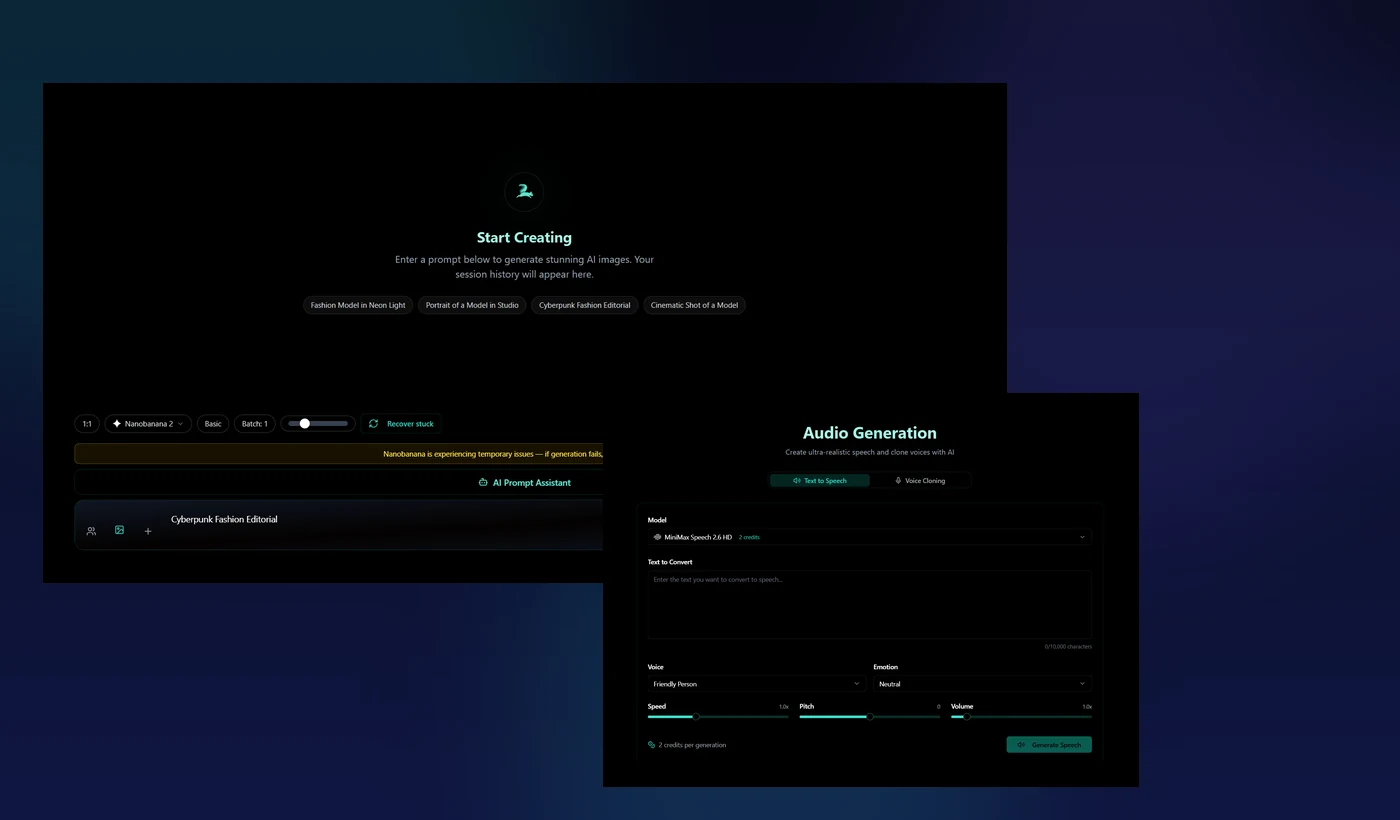
AI image quality improves when the goal, prompt, model, source image, and final use are clear before generation starts.
Learn how to describe subject, setting, style, lighting, composition, color mood, and final use.
Generate product images, social graphics, AI portraits, thumbnails, blog visuals, and brand assets.
Use AI Image Generator, Image Models, MultiGen, editing flows, or Image to Video based on your goal.
Create clean image assets that can later become image-to-video clips, AI influencer scenes, or cinematic visuals.
A thumbnail, product photo, AI art piece, portrait, ad creative, and image-to-video frame should not use the same prompt style.
Focus on product clarity, clean background, lighting, shadow, angle, and commercial presentation.
Focus on fast visual impact, clear subject, strong color contrast, simple composition, and platform format.
Focus on face angle, lighting, clothing, background, expression, and consistency across future images.
Focus on a visible subject, strong emotion, readable space for text, and a clear visual hook.
Focus on art direction, mood, color palette, texture, composition, and environment detail.
Focus on clean framing, subject space, stable composition, and a motion-friendly visual setup.
Strong AI images usually come from clear direction, not long random prompts. Start with one main subject and add only the details that help the image.
Use one main product, person, object, scene, or idea. Crowded prompts often create messy results.
Tell Zorq AI whether the result should feel realistic, editorial, cinematic, product-focused, minimal, fashion, or concept art.
Use lighting words like soft studio light, golden hour, neon glow, clean product lighting, natural daylight, or dramatic shadows.
Tell the tool if the image is for a product page, ad creative, thumbnail, social post, blog hero, or image-to-video clip.

A good image prompt should be specific without becoming noisy. The goal is to guide the image, not fill the prompt with every possible detail.
Subject + setting + visual style + lighting + composition + color mood + final use
AI art works best when the prompt has a clear artistic direction. Do not only say “make art.” Explain the mood, composition, texture, subject, and scene style.
Use terms like cinematic concept art, editorial illustration, futuristic product art, painterly fantasy scene, or minimal poster style.
Describe whether the image should feel calm, dramatic, luxury, futuristic, warm, soft, dark, energetic, or premium.
Guide where the subject appears. Centered portrait, wide environment, close-up product frame, or balanced poster layout all create different results.
Use Zorq AI image generation when you need a new image from a written idea.
Decide if you need a product visual, social post, portrait, thumbnail, AI art scene, brand graphic, or image-to-video frame.
Choose the model based on realism, speed, art style, editing, product visuals, or text-friendly graphic needs.
Use subject, setting, style, lighting, composition, color mood, and final use.
Review subject clarity, visual quality, text readability, brand fit, and final-use suitability.
Improve the prompt, try another model, generate variations, or move the best image into Image to Video AI.
Use Image to Video AI when you already have a strong still image and want to animate it into a short video.
Use a clear image with strong subject visibility, clean framing, good lighting, and enough room for movement.
Start with slow zoom, gentle pan, soft background movement, product reveal, natural clothing movement, or cinematic light movement.
If the subject changes too much, simplify the prompt, use a cleaner source image, or test another image-to-video model.
Use these pages when you want to move from learning to creating, comparing models, or turning images into videos.
Create images directly from prompts and visual directions.
Compare models for realism, editing, product visuals, typography, and creative style.
Turn still images into short motion clips and product videos.
Create multiple image directions and compare the strongest result faster.
Build persona visuals, lifestyle scenes, and creator-style image assets.
Turn image concepts and written ideas into full video scenes.
Create polished scenes from prompts, images, and cinematic direction.
Check credits, plans, and access details before generating at scale.
| Goal | Best Zorq AI Workflow | Best first action |
|---|---|---|
| Create a still image from an idea | AI Image Generator | Write a prompt with subject, style, lighting, and final use. |
| Compare image model results | Zorq AI Image Models | Choose models based on realism, editing, typography, or speed. |
| Create many image options | MultiGen AI Generator | Add prompt rows and compare variations. |
| Build AI influencer assets | AI Influencer Generator | Define persona style and generate consistent scenes. |
| Turn an image into a video | Image to Video AI | Upload a clean image and describe simple motion. |
| Create a cinematic scene | Cinematic Video Creation | Add camera, lighting, mood, and scene direction. |
| Add voice to image-led content | Voice Cloning AI / Audio Generation | Prepare a short script and connect it with video or lip sync. |
Weak: “make a nice image.” Better: “a clean ecommerce product image of a black smartwatch, soft studio lighting, modern tech ad style.”
Do not combine every style at once. Pick one main direction such as realistic product photo, cinematic portrait, or concept art.
A social post, thumbnail, product image, and website hero need different framing and composition.
If the image needs text, use a model and prompt style that supports typography and keep wording short.
For editing or image-to-video, blurry and cluttered images usually make the result weaker.
Always check details, brand safety, rights, and accuracy before using images publicly or commercially.
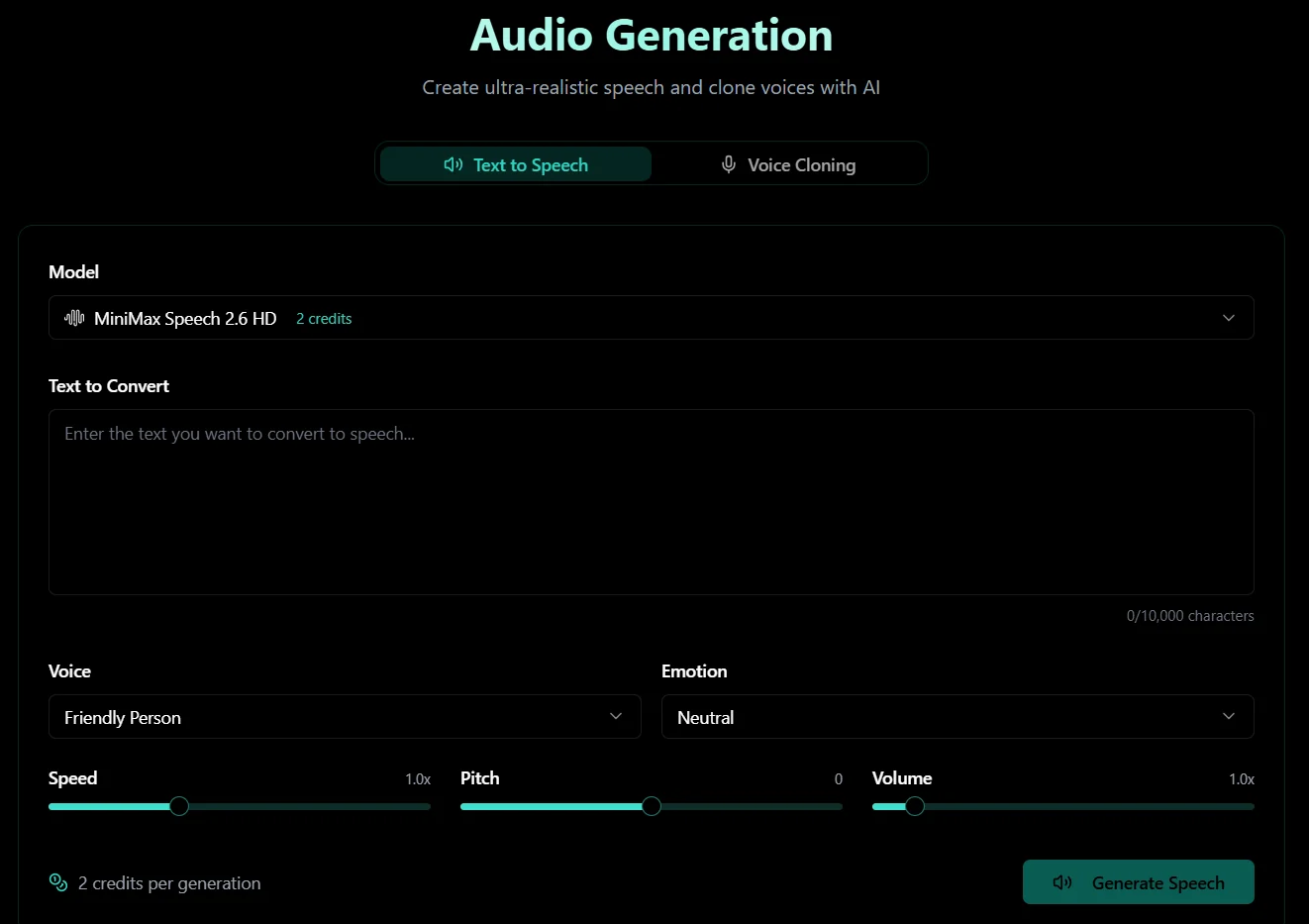
Some image projects stop as still visuals. Others become short videos, talking avatars, explainers, or product clips. When your image needs narration or speech later, keep the visual clean and prepare a short natural script before moving into voice, lip sync, or video workflows.
Before publishing, check image accuracy, third-party rights, logos, people, brand references, commercial terms, and platform rules. Do not use AI visuals in ways that mislead viewers or misuse real people, protected brands, or private material.
Start with one clear image goal, write a focused prompt, choose the right workflow, generate your first result, and refine the strongest version. When the image is ready, move it into Image to Video AI, MultiGen, AI Influencer, or another Zorq AI creative tool.
Better prompts · Cleaner images · Smarter model choices · Image-to-video ready assets