Create More Creative Options Faster
Test multiple visual directions without starting from scratch every time.
Create more AI content ideas faster with the MultiGen AI Generator via Zorq AI. Use MultiGen to generate multiple visual directions, image variations, video concepts, product assets, social creatives, and AI-powered virtual persona content from one connected creative workflow.
Zorq AI helps creators, marketers, agencies, ecommerce sellers, social media teams, YouTubers, educators, and AI tool users create more than one output at a time. Instead of testing ideas one by one, you can explore multiple creative directions and choose the strongest version faster.
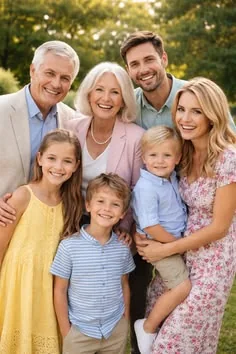
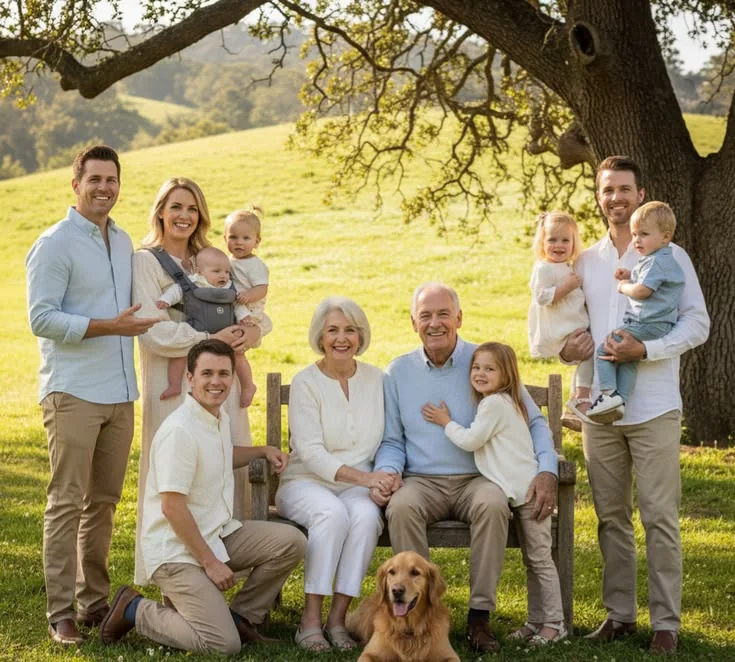
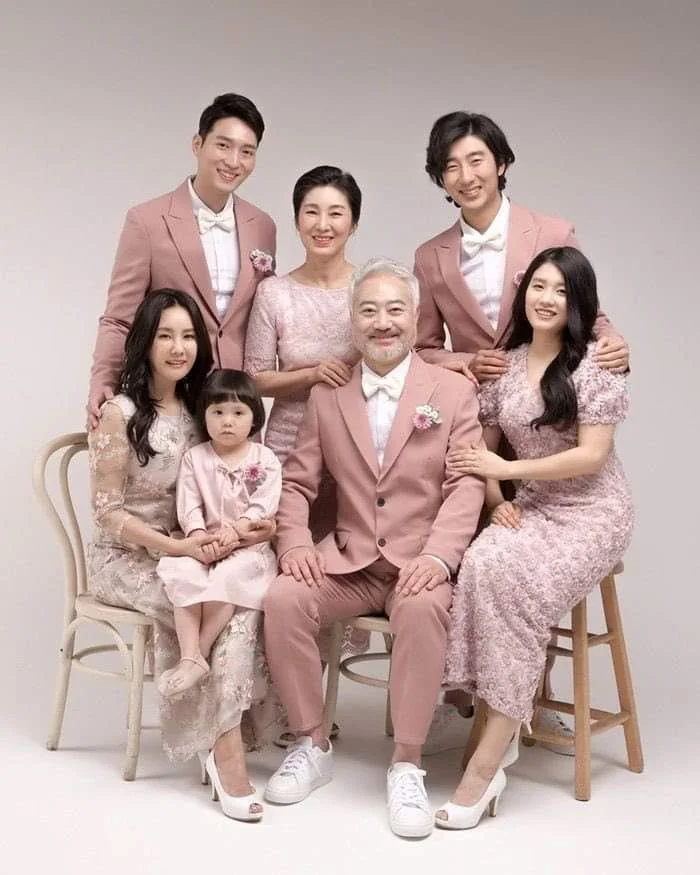
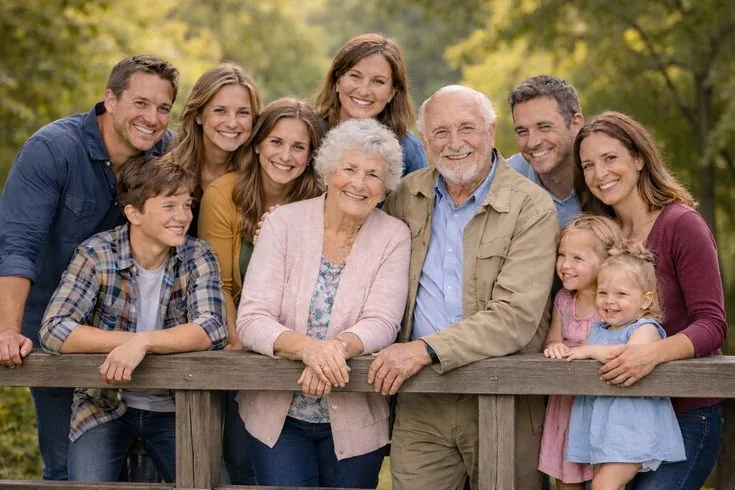

The Zorq AI MultiGen AI Generator is a creative workflow for generating multiple AI outputs from one idea. Instead of creating only one image, one video, or one persona asset, MultiGen helps users explore several visual directions quickly.
You can use it to create image variations, video concepts, social media creatives, product visuals, thumbnail ideas, brand moodboard options, campaign assets, and AI influencer persona variations.
MultiGen is useful when you do not know which creative direction will work best yet. Marketers can test ad concepts, ecommerce sellers can compare product image styles, and AI creators can explore virtual persona variations before choosing a stronger identity.
MultiGen helps users compare multiple outputs, test stronger ideas, support AI-powered virtual personas, and move the best creative into video, motion, or lip sync workflows.
Test multiple visual directions without starting from scratch every time.
Compare different styles, scenes, moods, outfits, backgrounds, camera angles, and formats.
Create and compare portrait styles, lifestyle scenes, social visuals, and video concepts around the same creative direction.
Create ad ideas, social hooks, product visuals, and short-form concepts before choosing the strongest one.
Explore a creative direction and decide what deserves more editing, refinement, or production.
Use MultiGen as the variation engine for image, video, lip sync, motion, and influencer workflows.
Use the gallery to preview product visuals, persona ideas, social concepts, and campaign-style variations before starting your own Zorq AI workflow.
MultiGen is most useful when each output helps users make a cleaner creative decision.
Create multiple AI image variations from one prompt or idea. Test different styles, lighting, backgrounds, product scenes, portrait looks, and campaign directions.
Best for:Social graphics, product visuals, thumbnails, profile assets, campaign images, and AI influencer portraits.
Generate multiple AI video concepts for short-form content, product promos, social hooks, campaign previews, or creative testing.
Best for:TikTok-style clips, Reels concepts, YouTube Shorts ideas, product videos, and ad creative testing.
Use one prompt direction and test several visual interpretations. This helps users compare what works before refining a final version.
Best for:Prompt testing, creative exploration, ad concepts, visual moodboards, and brand style direction.
Create different looks, outfits, backgrounds, profile visuals, and content styles for an AI-powered virtual persona.
Best for:AI influencer concepts, Instagram-style visuals, social avatars, and virtual brand ambassadors.
Generate multiple product image or video directions for ecommerce, ads, launch content, landing pages, and social campaigns.
Best for:Product photos, lifestyle product visuals, product teasers, campaign drafts, and A/B testing.
Create several visual hooks for Instagram, TikTok, YouTube Shorts, Pinterest, Facebook, and paid social ads.
Best for:Social media managers, creators, agencies, and marketing teams.
Generate a set of options, review them side by side, remove weak outputs, and refine the strongest direction.
Best for:Faster decision-making and cleaner creative planning.
MultiGen connects with Zorq AI’s wider creative system. It can support image creation, video concepts, persona generation, motion content, lip sync, and campaign testing.
Use the AI Image Generator to create several still-image variations from one prompt or uploaded reference.
Best use caseProduct visuals, portraits, social images, thumbnails, and brand moodboards.
Main benefitHelps users compare visual directions before choosing the strongest image.
Explore AI Image Generator →Use the AI Video Generator to create multiple short video concepts from different prompts, images, or campaign ideas.
Best use caseShort-form video, social content, ad concepts, product clips, and creator campaigns.
Main benefitHelps teams test more video directions before final production.
Explore AI Video Generator →Use MultiGen with AI Influencer Generator workflows to create different persona looks, outfits, content styles, and social scenes.
Best use caseVirtual personas, Instagram-style visuals, avatar content, and brand ambassador concepts.
Main benefitHelps users build or manage an AI-powered persona with more visual options.
Explore AI Influencer Generator →Use generated images as starting points for image-to-video workflows. MultiGen can help you choose the strongest still image before turning it into motion.
Best use caseSocial videos, product teasers, avatar clips, motion concepts, and campaign previews.
Main benefitHelps users avoid animating weak images by selecting the best visual first.
Explore Image-to-Video AI →Use motion control after MultiGen to animate selected images, products, characters, or scenes.
Best use caseCharacter movement, product motion, cinematic clips, and short-form visuals.
Main benefitHelps the best MultiGen output become a more dynamic video.
Explore AI Motion Control →Use lip sync after generating persona visuals or talking avatar concepts.
Best use caseAI influencer videos, product explainers, talking avatar clips, and social messages.
Main benefitTurns selected persona visuals into voice-synced content.
Explore AI Lip Sync Generator →Use voice-style direction carefully for persona messaging, product explanations, or AI spokesperson content when supported by the live product.
Best use caseBrand messages, short explainers, social scripts, and persona testing.
Main benefitHelps users test voice-led content concepts.
Explore Voice-Style Workflows →The workflow is simple: choose the creative goal, write a clear prompt, select the output type, generate multiple versions, compare the results, refine the strongest option, and use the final creative.
A premium lifestyle product campaign for a clean skincare bottle, warm studio lighting, three audience styles, ecommerce-ready composition, social ad variation set.
Decide what you want to generate: product images, AI influencer portraits, social visuals, video concepts, thumbnails, campaign ads, or brand moodboard ideas.
Describe the subject, style, platform, mood, color direction, audience, and final use.
Choose image variations, video concepts, persona visuals, product creatives, or social content ideas.
Use MultiGen to create several outputs from the same creative direction and review them as options.
Pick the strongest result, adjust the prompt, change the style, try another model, or move the asset into video, motion, or lip sync workflows.
Create several options, compare the output, and move only the strongest ideas into your next workflow.
Create multiple AI influencer looks, outfits, moods, and social content styles before choosing the main persona direction.
Generate different product image concepts, lifestyle scenes, ecommerce visuals, and ad-ready product creatives.
Create several post ideas for Instagram, TikTok, YouTube Shorts, Pinterest, and paid social campaigns.
Use MultiGen to create multiple ad concepts from one campaign idea, then compare which version has the strongest visual hook.
Generate several thumbnail directions with different backgrounds, moods, expressions, and visual styles.
Create multiple visual directions for a brand, campaign, product launch, or creator identity.
Generate different short video ideas before choosing one for motion, lip sync, or full video generation.
Agencies can use MultiGen to show multiple creative options to clients faster during early campaign planning.
MultiGen supports creators, marketers, ecommerce sellers, agencies, YouTubers, educators, and AI tool users who need options before choosing a final creative direction.
Use MultiGen to create several content directions for posts, stories, Reels, Shorts, ads, and campaign planning.
Test different product visuals, ad creatives, hooks, and campaign angles before choosing a direction.
Create multiple product images, lifestyle visuals, launch concepts, and promotional assets without planning a new shoot for every idea.
Build and compare virtual persona looks, social visuals, avatar concepts, and video-ready assets.
Prepare multiple creative drafts for clients, campaigns, product launches, and social media calendars.
Generate thumbnail options, intro visuals, video concepts, and creator-style social assets.
Create visual examples, teaching assets, slide visuals, and explainer concepts for learning materials.
Explore prompt styles, compare model results, test creative ideas, and move selected outputs into other Zorq AI workflows.
A single output can be useful, but creative teams often need options. MultiGen helps users compare different directions before committing to the final idea.
Zorq AI for Generator MultiGen can support users who want to create or manage AI-powered virtual personas by generating multiple looks, styles, scenes, and content formats.
| User goal | Best workflow | Suggested direction |
|---|---|---|
| Create product variations | MultiGen AI Image Generator | Test angles, backgrounds, lighting, and campaign moods. |
| Draft video concepts | MultiGen AI Video Generator | Generate several short-form directions before motion or editing. |
| Build virtual personas | AI Influencer + MultiGen | Compare persona looks, outfits, scenes, and content styles. |
| Test ad creatives | Batch creative review | Create multiple hooks and select the strongest version. |
| Create social visuals | Prompt variation workflow | Adjust style, platform, audience, and format for each output. |
Do not ask MultiGen to solve everything at once. Choose one goal first: product visual, persona portrait, social post, video concept, or thumbnail.
Include subject, setting, visual style, color mood, platform, audience, and final use. Better prompts usually produce better variations.
Ask for different lighting, backgrounds, angles, outfits, moods, or campaign styles instead of random outputs.
Review which option has the strongest subject clarity, brand fit, composition, and platform suitability.
For AI influencer workflows, keep key identity details consistent across variations: face style, fashion mood, color palette, niche, and audience.
The strongest MultiGen result can become the base for image-to-video, motion control, lip sync, or full video generation.
If MultiGen produces multiple outputs, check the credit or plan details before generating large batches.
Use MultiGen for selection. Publish only the outputs that meet your quality, safety, brand, and platform standards.
Clear answers help users understand outputs, credits, commercial use, and creative expectations before they start generating.
A MultiGen AI Generator is a tool or workflow that creates multiple AI outputs, variations, or creative directions from one prompt, image, or idea.
Yes. MultiGen-style workflows can help Zorq AI users create more than one image, video concept, product visual, persona asset, or campaign idea from a single creative direction.
You can create multiple image variations, video concepts, product visuals, social media creatives, AI influencer assets, thumbnails, and campaign ideas.
Zorq AI should clearly show any free credits, trial access, paid plans, or credit limits on the pricing page. Do not assume unlimited free generation unless the live product supports it.
Yes. MultiGen can help create several persona looks, outfits, scenes, profile visuals, and social content directions before choosing a consistent virtual persona style.
Zorq AI is positioned as an AI image and video generation platform. Confirm exact live product availability before publishing specific model or plan claims.
Yes. MultiGen is useful for creating multiple ad concepts, campaign visuals, product hooks, and social creative variations for comparison.
It may, depending on how Zorq AI counts generated variations. The live page should link clearly to pricing and credit details before users generate large batches.
No. Zorq AI should be presented as its own AI creative platform with MultiGen-style workflows for images, videos, and creative variations.
No. Multi-output generation helps you compare options, but strong results still depend on prompt quality, model choice, visual direction, and refinement.
Zorq AI should provide clear commercial-use guidance in its pricing, terms, or commercial-use page. Users should review those details before using outputs in ads, client work, or paid campaigns.
Create multiple AI images, video concepts, product visuals, AI influencer assets, thumbnails, and campaign variations with Zorq AI. Use MultiGen to compare creative directions faster, refine the strongest output, and move your best ideas into video, motion, lip sync, or social-ready workflows.
Generate variations · Compare concepts · Build persona assets · Test product visuals · Create social-ready content


