Built for fast creative testing
Use Zorq AI to test multiple video ideas quickly. Try a cinematic version, a product-focused version, a portrait-based version, or a short social clip before deciding which direction deserves more time.
Zorq AI helps you create AI videos from text prompts, uploaded images, and creative ideas. Build short motion clips, cinematic scenes, product visuals, social media content, and campaign-ready video concepts from one clean AI studio.
Use Zorq AI when you want faster visual creation without managing a full production setup. Start with a simple idea, choose the right video model, preview the result, and improve your creative direction step by step.
Text-to-video · Image-to-video · Motion videos · Cinematic scenes · Creator-ready outputs
The Zorq AI Video Generator is a creative tool for turning prompts, images, and visual ideas into short AI-generated videos. It is built for creators, marketers, businesses, social media managers, educators, and AI users who want to create visual content faster.
You can use it as an AI video maker for social posts, product previews, ad concepts, explainer scenes, AI portraits in motion, cinematic clips, and visual experiments. Instead of starting with a camera, crew, editor, and location, you can start with a prompt or image and generate a usable creative direction.
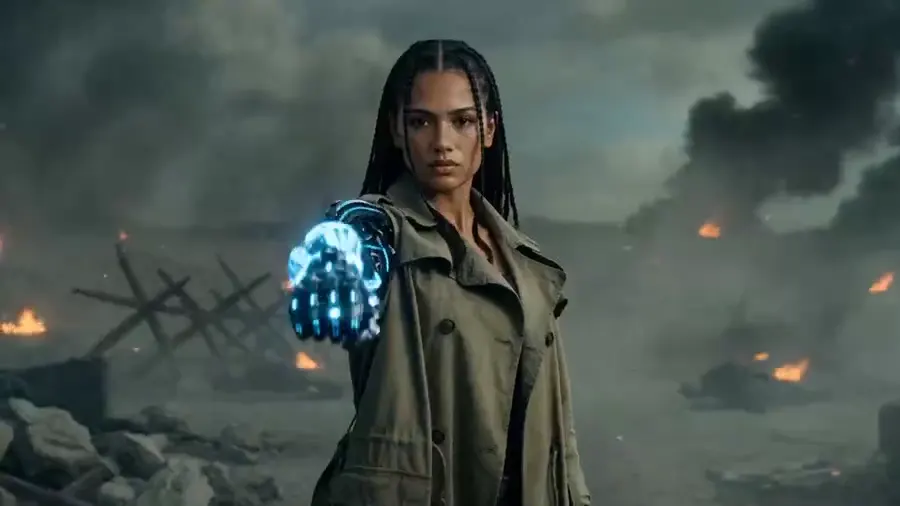
Video creation often takes time because you need a concept, footage, editing, motion, lighting, and final formatting. Zorq AI helps shorten that process by giving you a faster way to test visual ideas before spending time on manual production.
For a creator, that can mean testing a new visual hook for TikTok or YouTube Shorts. For a business, it can mean turning a product image into a motion concept. For a marketer, it can mean creating different creative directions before choosing one for a campaign.
Use Zorq AI to test multiple video ideas quickly. Try a cinematic version, a product-focused version, a portrait-based version, or a short social clip before deciding which direction deserves more time.
Zorq AI is not only for experimenting. It supports practical content needs like product promotion, short-form video, campaign visuals, creator branding, and visual storytelling.
Write a prompt and turn it into a short video scene. This is useful when you have a clear idea but no footage, actors, location, or animation setup.
Cinematic concepts, story scenes, visual ads, explainer ideas, and creative experiments.
Upload a still image and turn it into a motion video. This is helpful when you already have a product photo, portrait, character, design, or visual concept that needs movement.
Product images, portraits, lifestyle shots, character concepts, social media visuals, and motion ads.
Create short scenes with mood, camera movement, lighting direction, and visual rhythm. This helps creators and brands produce more polished video concepts without starting from a blank timeline.
Brand films, product teasers, creator content, visual storytelling, and campaign previews.
Add movement to scenes, products, people, objects, and characters. Motion videos can help static visuals feel more alive and more suitable for social platforms.
Short-form social clips, product movement, AI portraits, character motion, and animated visual ideas.
Different projects need different AI video models. Some are better for speed, some for cinematic realism, some for motion control, and some for detailed visual quality.
Creators who want more control over quality, speed, style, motion, and output direction.
Previewing examples helps users understand the output style before generating. A strong AI video creation tool should show real sample directions, not only describe features.
Reducing user hesitation and helping visitors choose the right starting workflow.
Use the demo wall to place matched videos from your Zorq AI product workflow. Every preview opens in a large-screen lightbox without removing the page flow.
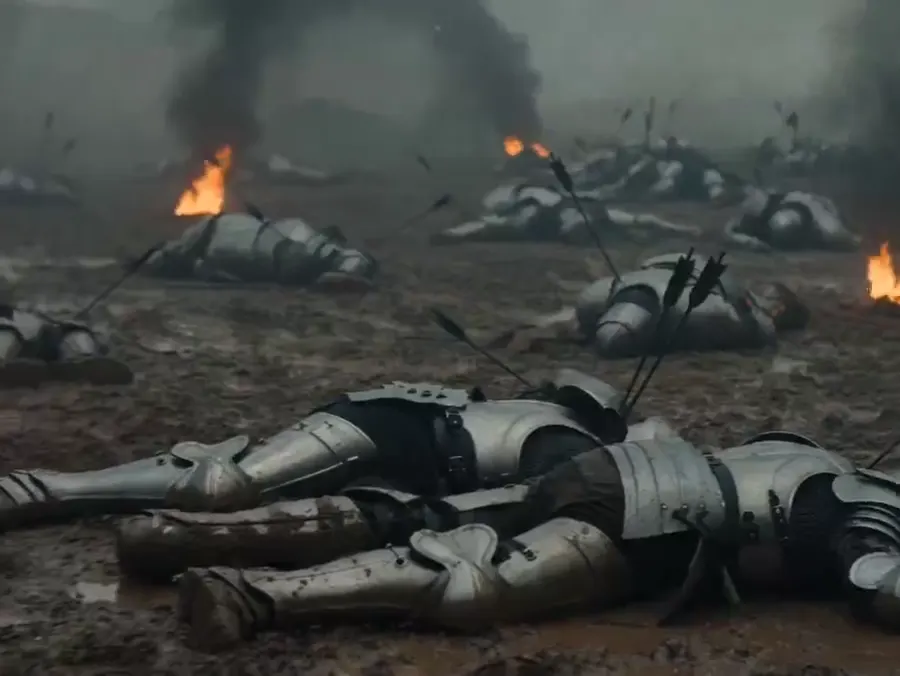
Turn written ideas into short visual scenes.
Animate still visuals into social-ready motion.
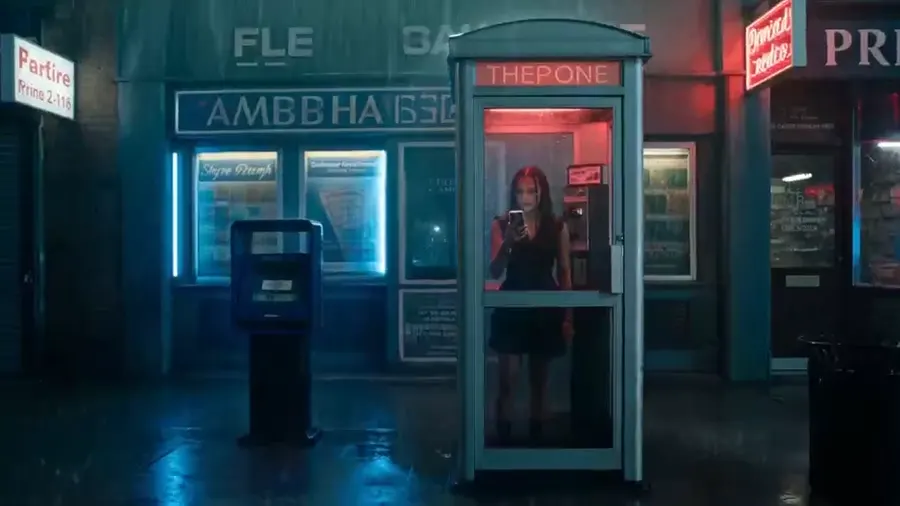
Create short scenes with lighting, movement, and rhythm.
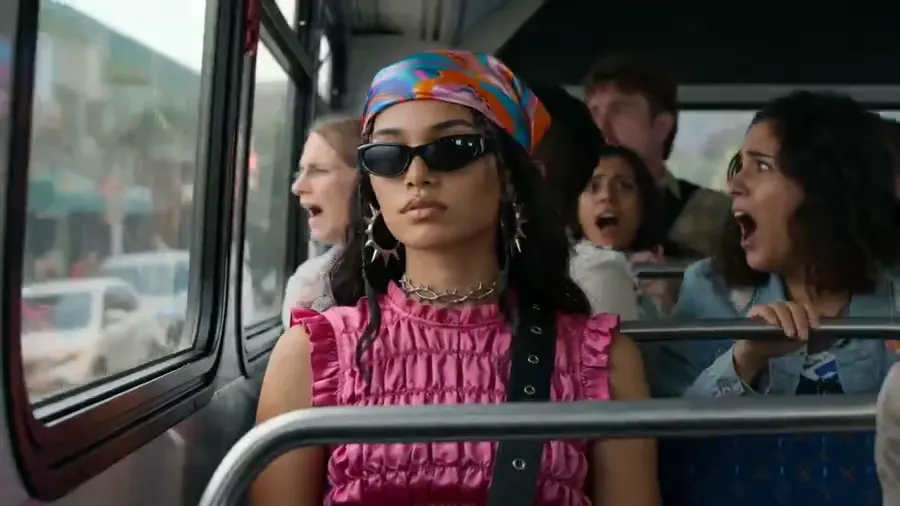
Test product visuals and campaign-ready video directions.
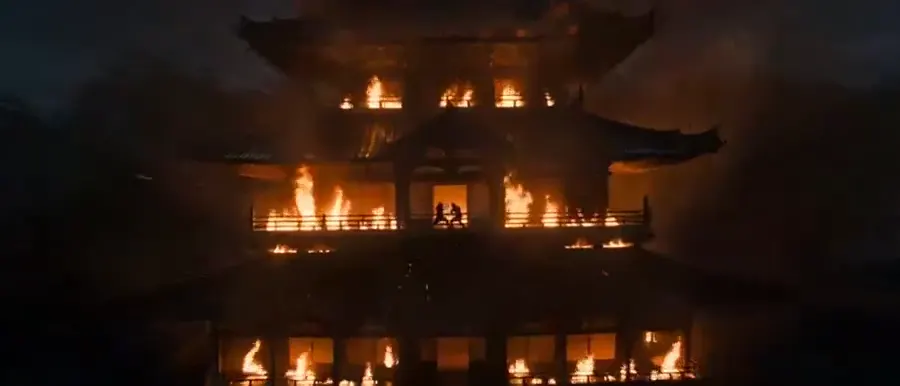
Use motion-first scenes for portraits, products, and creative clips.
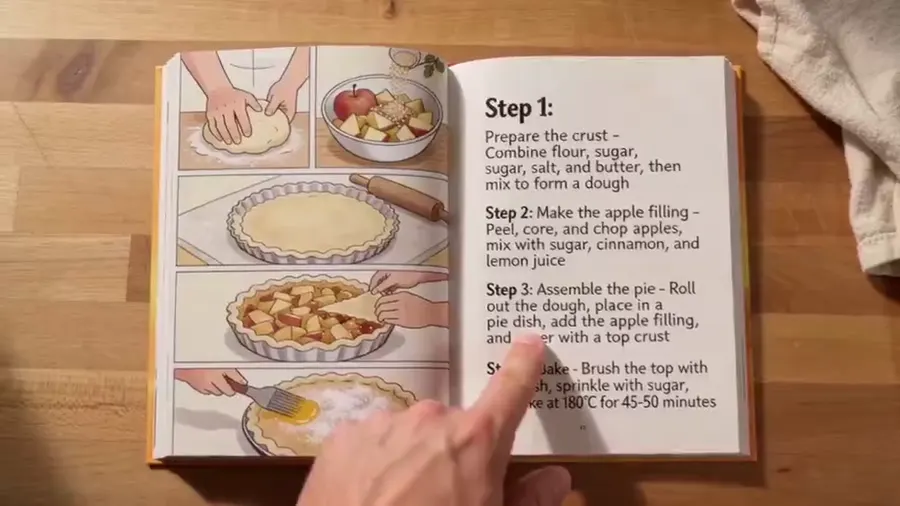
Compare visual direction before choosing a final workflow.
Zorq AI should present its AI video models in a clear way so users can choose based on the type of output they want. The model list below is written for the requested Zorq AI video page structure and should be matched with the actual models available in the live product before publishing.
Seedance 2.0 is suitable for modern AI video generation where users want realistic movement, creative scene control, and short-form video quality.
Cinematic social clips, dynamic scenes, multi-subject movement, and creator videos.
Good balance for creators who want visual energy, motion, and modern short-form style.
Try this workflowSeedance 2.0 Fast is best positioned for users who want quicker draft outputs or faster creative testing. Use it when speed matters more than final polish.
Prompt testing, early concept previews, ad idea testing, and quick social video drafts.
Helps users test more ideas before choosing the strongest version.
Try this workflowWAN 2.6 should be presented as a flexible AI video model option for users who want another creative style or generation route. It can fit workflows where users want to compare outputs against other models before finalizing a result.
Creative exploration, alternate video styles, and model comparison workflows.
Gives users another model path when a project needs a different look or movement style.
Try this workflowSeedance 1.5 Pro is a strong fit for users who want a more polished output path than fast draft generation. It can be positioned for projects where visual quality and better scene handling matter.
Social media videos, brand previews, visual ads, and refined creative concepts.
Useful for users who want stronger creative quality without overcomplicating the workflow.
Try this workflowKling 2.6 Pro is suitable for image-to-video and motion-focused projects where the user wants stronger movement, character motion, or cinematic feel.
Image-to-video scenes, product movement, character clips, and cinematic motion tests.
Strong option for users who want movement and visual rhythm from still images.
Try this workflowSora 2 should be positioned for users who want realistic text-to-video generation and story-driven video concepts.
Story scenes, cinematic prompts, realistic video concepts, and creative exploration.
Useful when the goal is a more natural-looking scene generated from a written idea.
Try this workflowSora 2 Pro should be presented as the stronger Sora option for users who need higher-quality or more advanced generation.
Higher-quality cinematic concepts, polished prompt-to-video scenes, and serious creative testing.
A better fit when output quality is more important than speed or cost.
Try this workflowKling 3.0 should be positioned for users who want strong motion, image-to-video quality, and modern AI video visuals. It is a useful model category for creators who want movement that feels more directed and less static.
Social videos, cinematic movement, product clips, character videos, and motion-heavy visuals.
Good for users who want visual movement and strong image-to-video results.
Try this workflowKling 3.0 4K should be used for projects where a sharper, more premium output is needed. This model option fits creators, brands, and agencies that want higher-resolution results for presentation, campaigns, or polished previews.
Premium brand clips, polished social visuals, campaign previews, and high-detail motion concepts.
Better suited for higher-quality creative output when visual detail matters.
Try this workflowGrok Imagine Video should be presented as a creative video generation option for users who want experimental, fast, or social-style visual concepts. Keep the live page wording practical and avoid unsupported quality claims unless the product provides clear examples.
Creative tests, fast concept generation, social-style videos, and experimental visuals.
Useful for users who want to explore different visual ideas quickly.
Try this workflowMidjourney Video should be positioned for highly visual, stylized, and art-directed video concepts. It is best for users who care about visual taste, mood, and creative style.
Stylized clips, visual storytelling, art-forward concepts, fashion visuals, and creator projects.
Strong fit for users who want a more artistic or visually distinctive direction.
Try this workflowGoogle Veo 3.1 is suitable for cinematic storytelling, high-quality scenes, and video generation workflows where realism and scene control matter.
Cinematic scenes, product storytelling, brand videos, realistic motion, and polished creative previews.
Good choice when the project needs a premium cinematic look and stronger visual consistency.
Try this workflowThe best workflow is simple: choose a goal, write a clear prompt, select a model, generate, review, and refine.
A cinematic product shot of a black smartwatch on a reflective surface, soft studio lighting, slow camera push-in, premium tech ad style.
Start with the workflow that matches your goal. Use text-to-video if you have an idea in words. Use image-to-video if you already have a product photo, portrait, character, or visual concept.
Describe the subject, setting, mood, motion, camera style, and final use. A clear prompt helps the AI model understand what you want to create.
Choose a model based on the result you want. Use faster models for drafts, cinematic models for polished scenes, motion-focused models for image animation, and premium models for high-quality campaign visuals.
Create the first version and review it carefully. Look at motion, subject clarity, framing, lighting, and whether the result matches your goal.
Most strong AI video outputs come from refinement. Adjust the prompt, try another model, change the motion direction, or upload a better reference image.
Once you have a strong output, use it for social content, product testing, ad concepts, pitch visuals, internal planning, or creative direction.
Zorq AI is useful for short-form content, product videos, ad concepts, cinematic storytelling, education, AI avatar content, and agency creative testing.
Create short visual clips for TikTok, Instagram Reels, YouTube Shorts, and creator campaigns. Zorq AI is useful when you need quick visual ideas that can support a content calendar.
Turn product images into motion videos or generate product-style scenes from prompts. This can help ecommerce sellers and small brands test new visual ideas without a full studio shoot.
Create video directions for paid social campaigns, UGC-style ads, product hooks, and creative testing. Marketers can use Zorq AI to compare ideas before producing final ads.
Generate moody scenes, short visual stories, concept trailers, and cinematic shots for creative projects.
Create visual examples for lessons, explainers, training content, and presentation materials.
Create portrait-based clips, character motion, and avatar-style video concepts for digital identity projects.
Agencies can use Zorq AI to draft several creative options for client campaigns before investing in final production.
Use Zorq AI to generate fresh video concepts for social platforms, personal branding, and audience growth.
Create visual hooks, ad concepts, product clips, and campaign ideas faster.
Turn product photos and simple ideas into motion visuals for websites, ads, and social posts.
Create concept clips, intro visuals, Shorts ideas, and cinematic moments for content planning.
Use AI video generation to test directions, prepare visual concepts, and speed up early-stage campaign planning.
Create simple visual scenes that support lessons, explainers, and presentation content.
Compare AI video models, test prompts, and explore different video generation styles from one creative workspace.
Zorq AI supports more than one type of video generation. You can work with text prompts, uploaded images, motion concepts, cinematic styles, portraits, and model-based generation.
Not every AI video model is best for every task. Zorq AI can help users choose between speed, realism, motion, cinematic quality, and visual style.
The page and product experience should focus on real output needs: short clips, ads, product visuals, motion scenes, and creator content.
Instead of spending hours preparing footage, you can test a visual idea quickly and decide whether it is worth developing further.
The best AI video workflow is simple: choose a goal, write a prompt, select a model, generate, review, and refine.
Use this quick guide to choose the right workflow before generating.
| User goal | Best workflow | Suggested model direction |
|---|---|---|
| Create a video from an idea | Text to Video AI | Sora 2, Sora 2 Pro, Veo 3.1, Seedance |
| Animate a product photo | Image to Video AI | Kling, Veo, Seedance |
| Test short social clips | Fast video generation | Seedance 2.0 Fast, WAN 2.6 |
| Create premium cinematic scenes | Cinematic AI video | Google Veo 3.1, Sora 2 Pro, Kling 3.0 4K |
| Create stylized visual content | Creative video model | Midjourney Video, Grok Imagine Video |
Strong AI video outputs usually come from better input. Use clear direction, good reference images, and the right model for the job.
Avoid vague prompts. Instead of “make a product video,” describe the product, background, camera movement, lighting, and mood.
Use phrases like close-up, slow push-in, overhead view, handheld camera, wide shot, or cinematic pan when you want a clearer video style.
Tell the model what should move. Mention whether the subject moves, the camera moves, the background moves, or the scene changes.
For image-to-video, start with a clear image. Better lighting, sharper subjects, and cleaner composition can improve the generated result.
Use faster models for drafts. Use stronger cinematic or high-resolution models when the result needs to feel more polished.
If the first result is close but not perfect, change one or two prompt details instead of rewriting everything.
Think about where the video will be used. A TikTok clip, product ad, YouTube Short, and website hero video may need different framing and pacing.
Zorq AI should make the video generation experience clear before users start. The page should explain how the tool works, how credits or plans are handled, where examples can be viewed, and what users should expect from AI-generated outputs.
Model availability, speed, quality, resolution, and credit use may vary. The live product should show these details near the model selector or pricing page.
Users should be able to understand plans, credits, and video generation costs before committing to heavy use.
Show real sample videos and images so users can judge output style before starting.
Add links to pricing, credits, help center, commercial use, content safety, refund policy, privacy policy, and terms.
An AI video generator is a tool that creates video content from text prompts, images, or other creative inputs. Zorq AI helps users create short video clips, motion scenes, product visuals, and cinematic concepts from simple starting points.
Yes. The text-to-video workflow lets you describe the scene you want to create and generate a video from that prompt.
Yes. The image-to-video workflow is useful when you already have a product photo, portrait, character image, or visual concept that you want to animate.
Choose based on your goal. Use faster models for drafts, cinematic models for polished scenes, image-to-video models for motion from photos, and high-quality models when detail matters most.
Yes. Zorq AI is a strong fit for short-form visual content because it can help create quick concepts, cinematic clips, image animations, and social-ready motion videos.
Yes. Ecommerce sellers, startups, small businesses, and agencies can use Zorq AI to create product video concepts, motion previews, visual ads, and campaign ideas.
No. AI video generation often improves through prompt refinement, better reference images, and model selection. Users should expect to test and adjust outputs.
The page should highlight the available model lineup inside Zorq AI, including models such as Seedance, WAN, Kling, Sora, Grok Imagine Video, Midjourney Video, and Google Veo if they are active in the live product.
Zorq AI should provide clear commercial-use guidance on the pricing, terms, or commercial-use page. Users should review those details before using outputs in paid campaigns or client projects.
Use clear prompts, strong reference images, specific motion instructions, camera direction, and the model that best fits your goal.
Bring your video ideas into one creative workflow. Generate cinematic clips, product videos, motion scenes, image-to-video outputs, and social-ready visuals with Zorq AI.
Create from text · Animate images · Compare models · Preview examples · Refine your creative direction