Create a virtual influencer from an idea
Start with a simple concept, prompt, or reference style and turn it into a usable AI influencer direction.
Create or manage your AI-powered virtual personas with Zorq AI. Use the AI Influencer Generator to build AI portraits, avatar-style visuals, short videos, motion clips, lip sync content, and social-ready creative assets from one connected AI studio.
Zorq AI helps creators, marketers, agencies, ecommerce sellers, social media managers, YouTubers, educators, and AI tool users create virtual influencer concepts for Instagram-style posts, TikTok clips, Reels, Shorts, product campaigns, and brand storytelling.

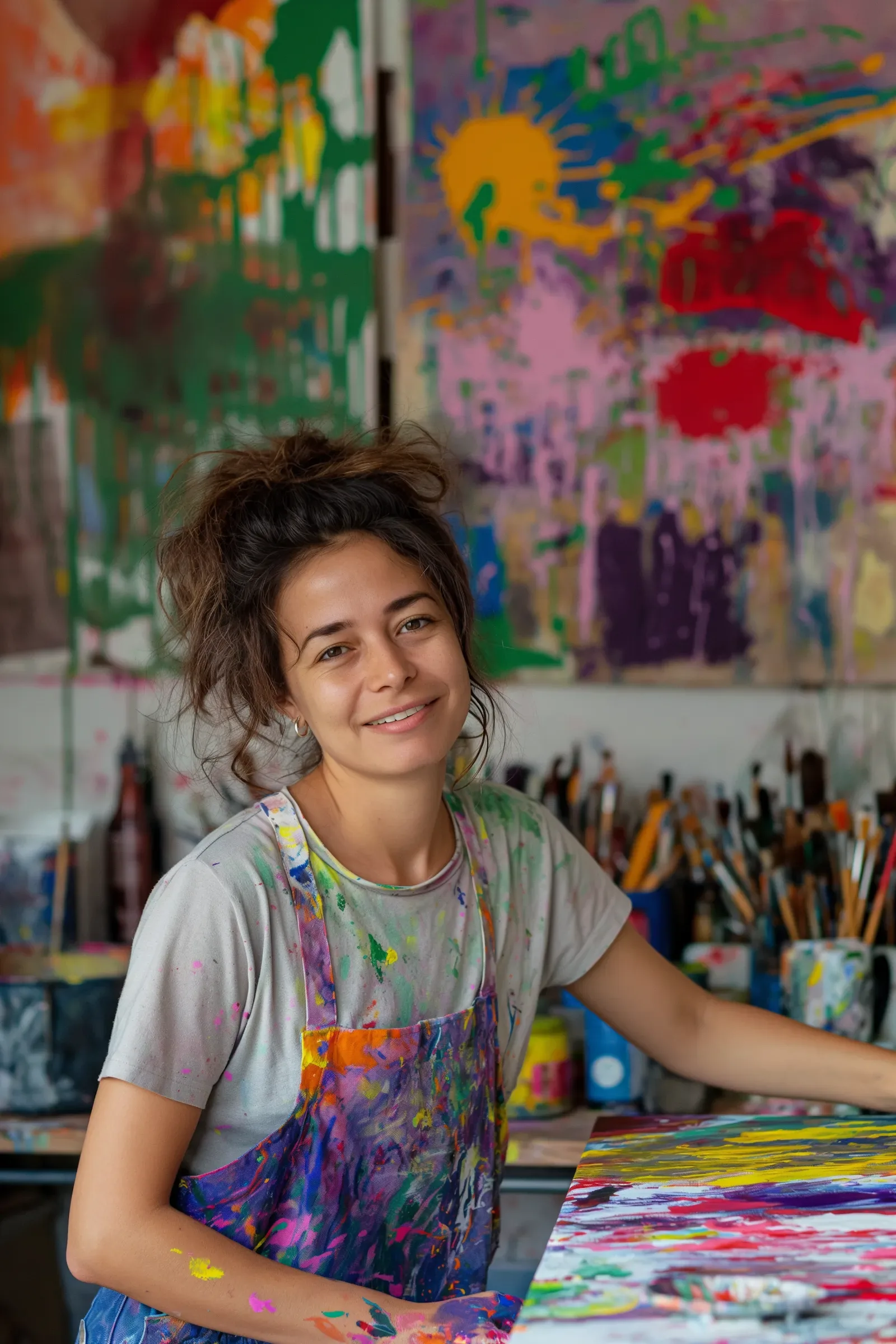


The Zorq AI Influencer Generator is a creative workflow for building AI-powered virtual personas. It helps you create consistent-looking AI influencer visuals, portrait concepts, avatar-style content, short videos, and campaign-ready assets.
Instead of creating one random image, the goal is to build a usable digital character direction. That may include a face style, fashion direction, visual mood, content niche, audience tone, and repeatable creative format.
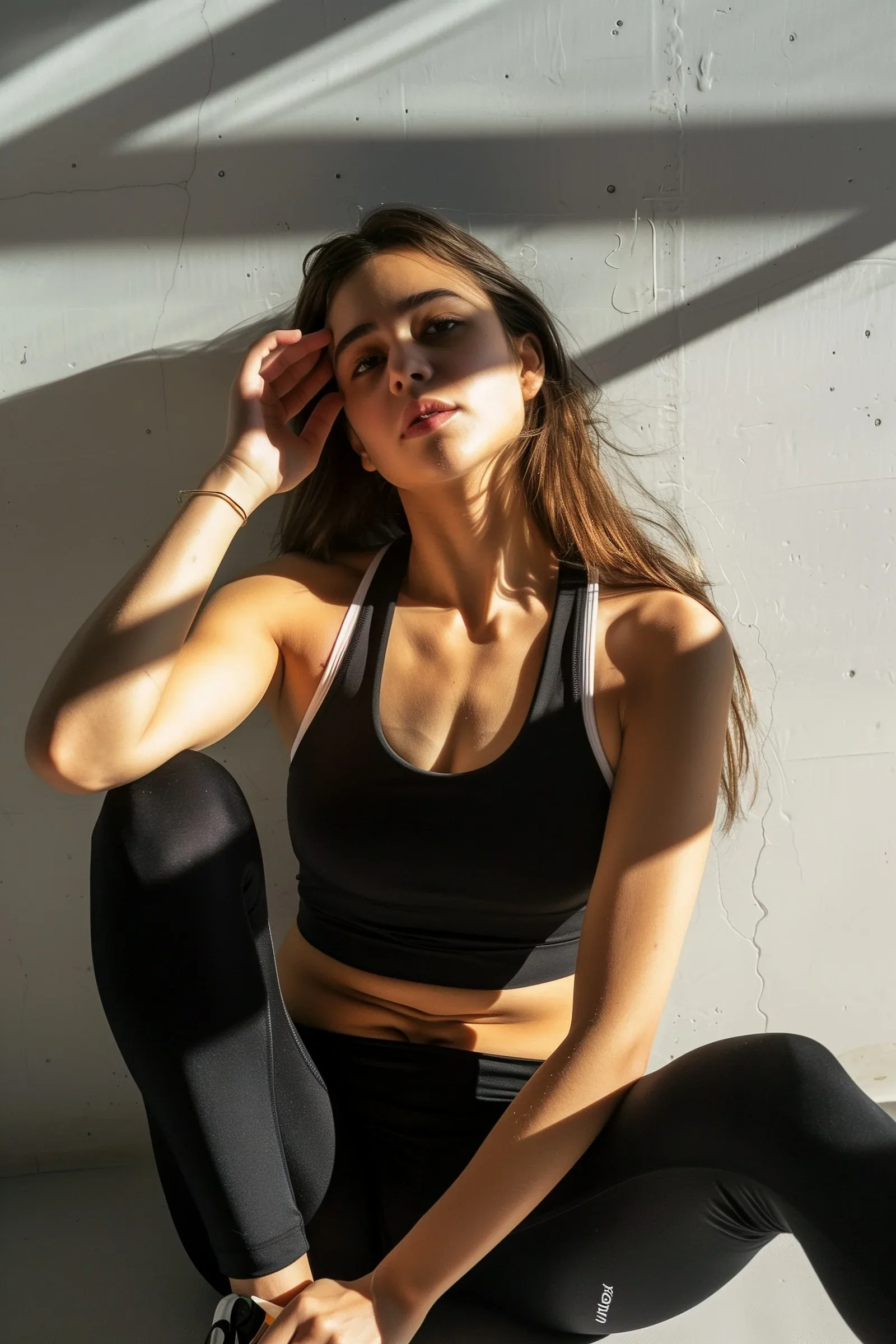
An AI influencer is not only a generated face. A strong AI-powered virtual persona needs a consistent look, content direction, audience fit, and reusable visual identity.
Zorq AI helps you shape that process by connecting image generation, video generation, motion control, and lip sync workflows.
A single AI image is not enough for an AI influencer strategy. Zorq AI helps users think in terms of character identity, visual consistency, platform use, and content direction.
Start with a simple concept, prompt, or reference style and turn it into a usable AI influencer direction.
Create portraits, lifestyle visuals, avatar clips, product scenes, and short-form content ideas for Instagram, TikTok, Reels, Shorts, and social campaigns.
Create different AI influencer styles and compare which one fits your product, audience, message, or campaign.
Zorq AI is useful because an AI influencer often needs more than still images.
Use AI-generated persona concepts to test ideas faster before hiring talent, planning shoots, or building final brand campaigns.
Guide users toward transparent, responsible, and platform-safe use of virtual personas.
Create portraits, influencer-style videos, Instagram visuals, talking avatar clips, motion-ready scenes, and campaign asset libraries from one connected workflow.
Create polished portrait concepts for a virtual persona. Shape face style, outfit direction, background, lighting, and mood.
Best for:Profile visuals, creator identity, Instagram-style portraits, and brand persona testing.
Create short influencer-style videos for social content, product messages, creative hooks, and campaign previews.
Best for:Reels, Shorts, TikTok-style clips, social ads, and launch content.
Describe the persona you want to create. Add niche, style, tone, outfit, background, and platform use.
Best for:Starting a new AI persona from scratch.
Use an uploaded image or generated portrait as the starting point for more visuals, variations, or video-ready assets.
Best for:Maintaining a consistent persona direction across multiple outputs.
Use lip sync workflows to create talking AI influencer clips for product messages, explainers, and short announcements.
Best for:AI spokesperson content, product demos, creator intros, and social hooks.
Turn AI influencer portraits or lifestyle visuals into motion clips using video and motion-control workflows.
Best for:Reels-style movement, product showcases, avatar motion, and campaign teasers.
Use the gallery to preview portrait directions, lifestyle scenes, product-style visuals, and virtual persona ideas before starting your own Zorq AI workflow.
The AI Influencer Generator page should explain the creative tools users may need to create and manage a virtual persona.
Responsible use note: Voice and likeness workflows should follow consent, safety, platform, and commercial-use rules.
Use AI image generation to create the first portrait, outfit style, background mood, and visual identity for your virtual persona.
Creating a new AI influencer look from text or image prompts.
Helps users shape the visual identity before creating videos.
Explore AI Image Generator →Use AI video generation to turn influencer concepts into short-form videos, product scenes, or social clips.
Reels, Shorts, TikTok-style clips, product promos, and brand storytelling.
Helps the persona move beyond still images.
Explore AI Video Generator →Use lip sync to create talking avatar clips, product messages, educational snippets, and AI spokesperson content.
Talking influencer clips, product explainers, campaign hooks, and avatar messages.
Gives the AI persona a voice-led content format.
Explore AI Lip Sync Generator →Use motion control to animate portraits, characters, lifestyle shots, or product scenes connected to the AI influencer.
Character movement, short motion videos, product motion, and cinematic scenes.
Helps static persona visuals become more dynamic.
Explore AI Motion Control →Turn a strong AI influencer image into a social-ready video concept.
Avatar clips, social visuals, short-form content, and campaign previews.
Makes one strong image more useful across video platforms.
Explore Image-to-Video AI →Use voice-style direction carefully for narration, persona messaging, or character-led content, where supported by the live product.
Brand messages, explainer clips, creator-style narration, and persona testing.
Helps users test voice-led content ideas.
Explore Voice Clone / Voice-Style Workflow →Start with a clear persona goal, create the first portrait, build content variations, then expand into motion or lip sync when your campaign needs more than a still image.
Decide what type of AI influencer you want to create. It may be a fashion persona, tech reviewer, beauty creator, fitness avatar, product spokesperson, educator, lifestyle character, or brand ambassador.
Choose the persona’s style direction. Include face style, outfit, color palette, background, tone, niche, and social platform.
Create the first AI influencer portrait or avatar concept. Review whether it fits the brand, audience, and campaign goal.
Generate multiple expressions, outfits, backgrounds, and scene directions. Keep the strongest visual direction and remove weak variations.
Create Instagram-style visuals, product images, thumbnails, short video ideas, and campaign content around the persona.
Turn the AI influencer into motion clips, talking videos, product explainers, or social hooks using video, motion, or lip sync workflows.
Check that the content is clear, appropriate, original, and aligned with your brand rules before publishing.
Create profile visuals, post concepts, lifestyle images, Reels thumbnails, and brand content ideas for Instagram-style publishing.
Generate short videos for TikTok, Reels, YouTube Shorts, product campaigns, and creator-style storytelling.
Use a virtual persona to model product concepts, introduce offers, explain product features, or support ecommerce visuals.
Create a digital spokesperson concept for brand messages, campaign visuals, educational clips, or product launches.
Build a content library around one persona with images, videos, talking clips, captions, and campaign directions.
Test creator-style product visuals and short-form ad ideas before final production.
Create an AI educator-style persona for explainers, training videos, lesson visuals, and short teaching clips.
Compare different looks, styles, audience tones, and visual directions before choosing the main persona.
This workflow fits teams and creators who want to test virtual persona ideas, build visual assets, and plan campaign content faster.

Create or manage your AI-powered virtual personas with connected image, video, motion, and lip sync workflows.
Start building a personaZorq AI connects the full influencer workflow across images, videos, voice-style concepts, lip sync, and motion control. That gives this page a stronger product story because virtual influencer creation often needs multiple creative tools working together.
The page focuses on practical outputs: portraits, social visuals, product clips, talking avatar videos, and campaign assets.
A basic image generator can make a single portrait. Zorq AI can support persona images, video clips, motion content, and lip sync outputs.
Brands and agencies can test AI influencer ideas before spending time on full production, human talent, photoshoots, or final ad creative.
Zorq AI should help users define persona style, content niche, platform use, and visual consistency before generating content.
Define the persona’s niche, age range, style, tone, audience, and platform before generating images.
Use similar outfit direction, lighting, color style, facial features, and background mood across content.
Create a few strong portraits, product scenes, lifestyle visuals, and talking clip ideas before scaling content.
For lip sync or talking videos, test a short line before creating longer messages.
Instagram posts, TikTok clips, Shorts, product pages, and ads need different framing and pacing.
Do not claim the persona is a real person. Be transparent where platform rules or campaign context require it.
Check for content quality, appropriateness, privacy issues, and commercial-use rules before publishing.
Create several persona directions before choosing the one that fits your brand and audience best.
| User goal | Best workflow | Suggested direction |
|---|---|---|
| Create a new virtual persona | AI image generator + persona brief | Start with niche, style, face direction, outfit, and platform. |
| Create Instagram-style posts | AI influencer for Instagram | Build profile visuals, lifestyle posts, Reels thumbnails, and brand content. |
| Create talking avatar clips | AI Lip Sync Generator | Use a short script and a clear portrait before expanding into longer clips. |
| Create motion content | AI Motion Control / Image-to-Video AI | Animate influencer portraits, product scenes, and visual hooks. |
| Create product campaigns | Product visual + AI video workflow | Test product scenes, launch visuals, spokesperson clips, and social ads. |
Clear answers help users understand the workflow, limits, and responsible use before they start creating virtual persona content.
An AI Influencer Generator is a tool that helps create virtual influencer personas, AI portraits, avatar-style visuals, social videos, and content assets for digital campaigns.
Yes. Zorq AI is positioned as an AI creative platform with image, video, lip sync, voice, and motion tools, which supports AI influencer-style content creation.
Yes. Zorq AI can be used to create Instagram-style portraits, lifestyle visuals, Reels concepts, and social content assets for a virtual persona.
Zorq AI should clearly show free credits, trial access, or paid plan limits on the pricing page. Do not assume unlimited free use unless the live product supports it.
Yes. Zorq AI’s wider video workflow can support AI influencer video concepts, avatar clips, talking videos, and short-form social visuals.
Yes, if the live product supports lip sync and voice workflows. You can create talking avatar-style clips, product explainers, and creator messages.
No. Zorq AI should be presented as its own AI creative platform. Fotor is a separate competitor that also targets AI influencer generation from text or images.
Yes. AI influencer concepts can support product visuals, explainer clips, launch content, social posts, and creative testing.
Not necessarily. AI influencers are best used as a creative option for virtual persona content, campaign testing, fictional brand characters, or visual storytelling.
Zorq AI should provide clear commercial-use guidance in its terms, pricing, or commercial-use page before users use outputs in ads, client work, or paid campaigns.
Disclosure depends on platform rules, local laws, campaign context, and brand policy. A transparent approach is usually safer and more trustworthy, especially for ads or sponsored content.
Create AI-powered virtual personas for social media, product campaigns, talking avatar clips, motion videos, and creator-style content. Build your persona direction, generate visual assets, test video ideas, and prepare campaign-ready content inside Zorq AI.
Create virtual personas · Build AI portraits · Generate social clips · Test product content · Manage creator-style assets


